7 Operations of CEMS2000 Monitoring Software
67
FOCUSED PHOTONICS INC
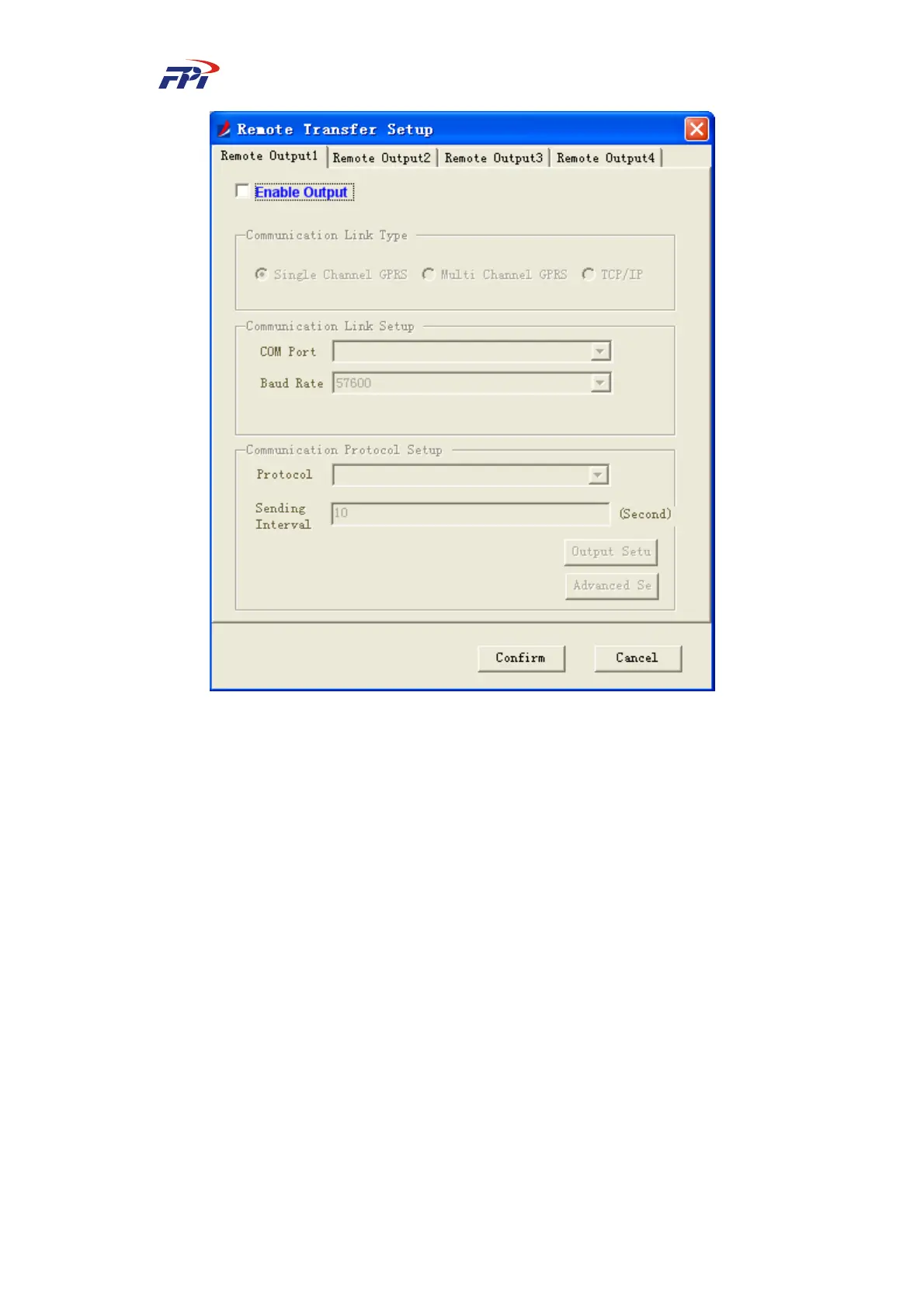
Fig 7-15 Remote Output Configuration
1. Single-channel GPRS output
In the COM port output configuration window (as shown in Fig 7-15), select the link of
“Single-channel GPRS” and select the COM port, baud rate, communication protocol and sending
interval. Make sure you have selected the check box next to “Use the selected link to send the
data”. The button of “Output Items” will become clickable, as shown in Fig 7-16.



 To Next Page