7 Operations of CEMS2000 Monitoring Software
80
FOCUSED PHOTONICS INC
Fig 7-36 Progress of Filling Missing Data
During the progress of filling the missing data, you can click the “Stop” button to stop the
filling and click the “Exit” button to return to the parameter setup window.
7.2.5 System Configuration Information
This function is used for displaying the configuration information of each measuring item of
the system.
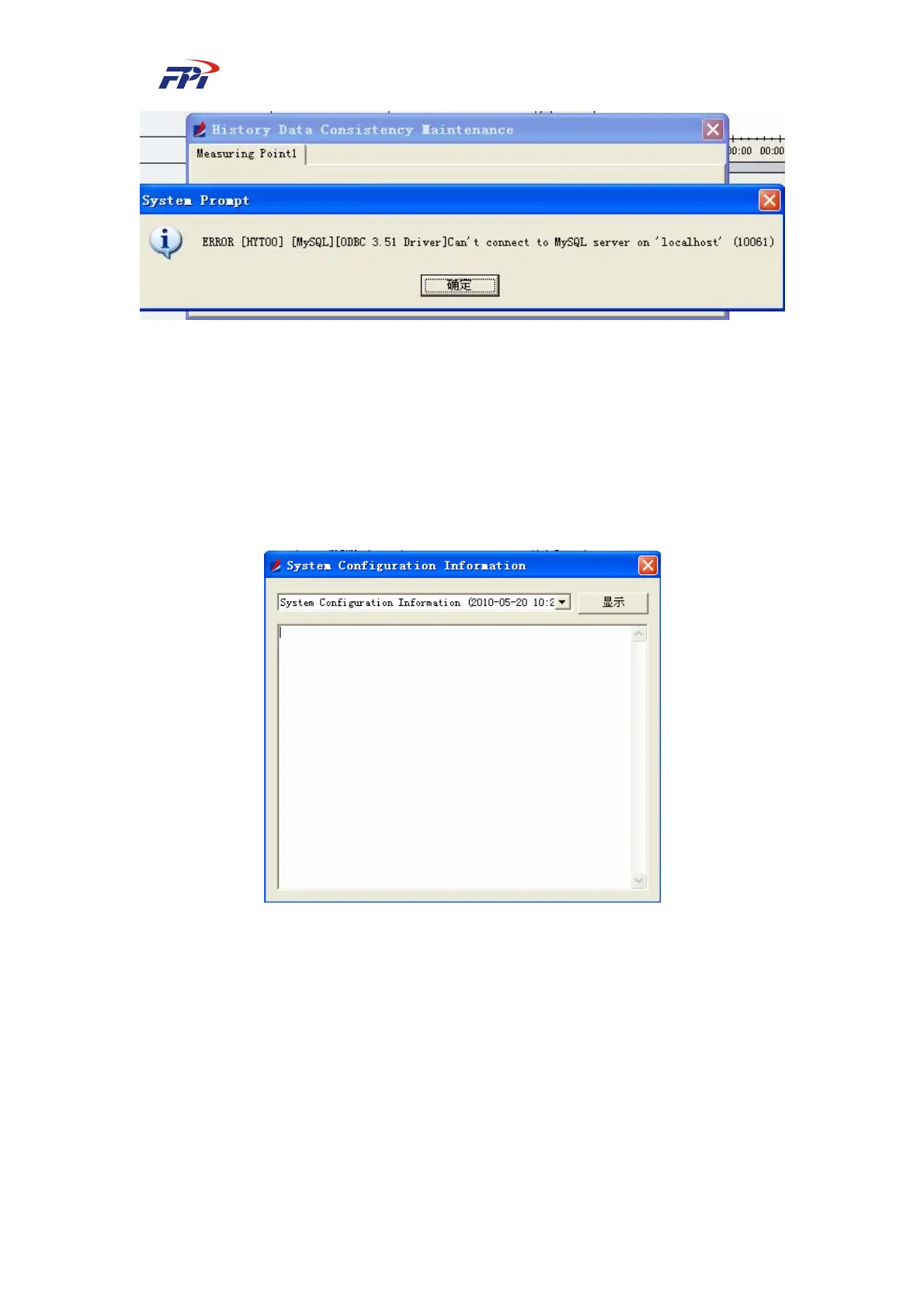
Fig 7-37 System Configuration Information
Select the configuration profile and click the “Open” button to show the detailed information
of this configuration, as shown in Fig 7-38.



 To Next Page