5 System Operations
23
calibration electro-valve and input the standard gas into the gas room. After the density is
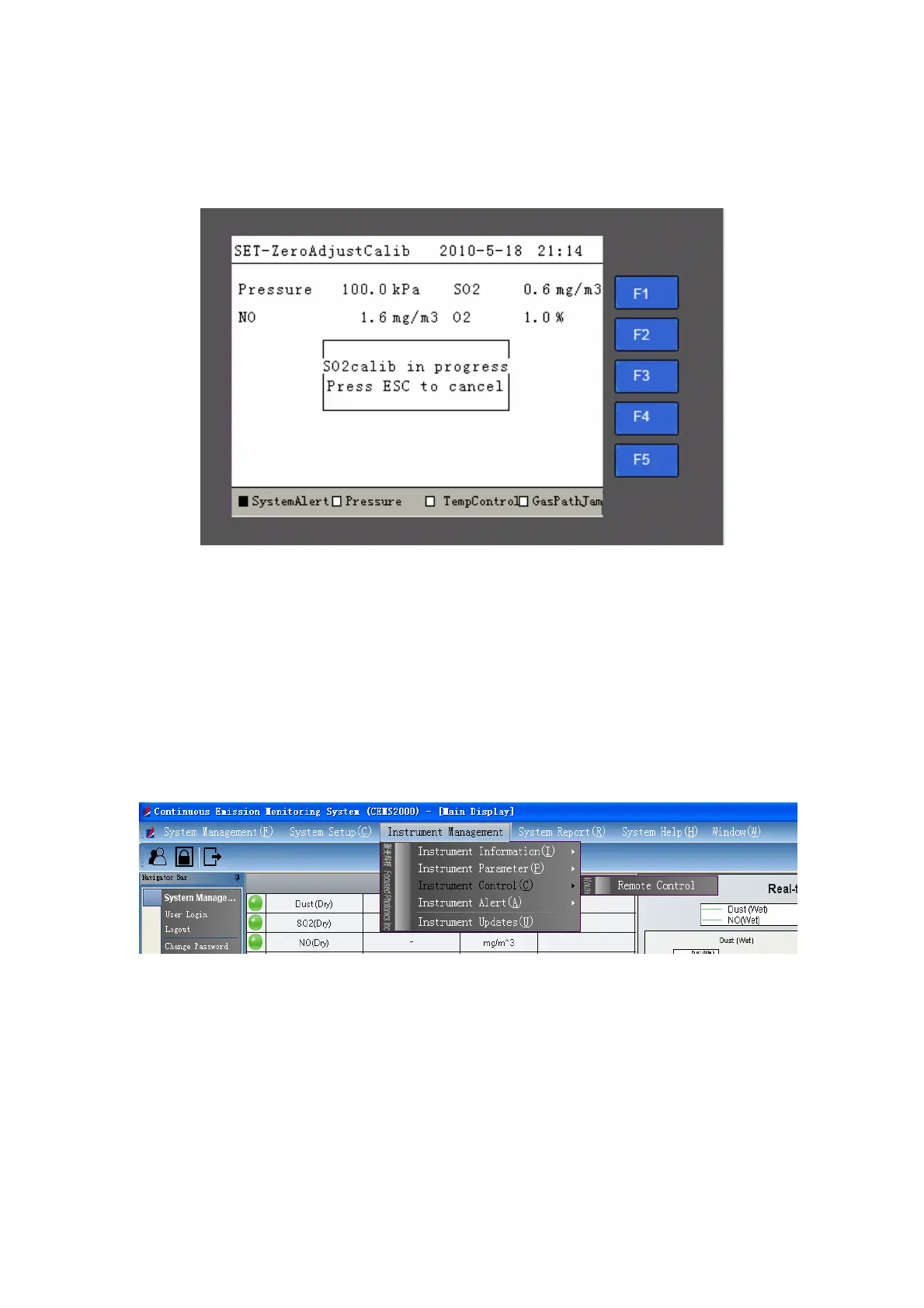
stabilized, you can press the “Enter” button to start the range calibration process, as shown in Fig
5-15.
Fig 5-15 Calibration in Progress
The system will return to the page in Fig 5-14 but the prompt of “Start to calibrate” is not
available.
5.3.4.2 Manual Calibration on CEMS-2000 Monitoring Software
You can carry out calibration for SO
2
and NO on CEMS-2000 monitoring software. Click
“Instrument Management Æ Instrument Control Æ Remote Control” on the main page, the remote
control page will be open as shown in Fig 5-16 and Fig 5-17.
Fig 5-16 Remote Control Menu



 To Next Page