6 Operations of OMA-2000 Spectroscopic Gas Analyzer
44
FOCUSED PHOTONICS INC
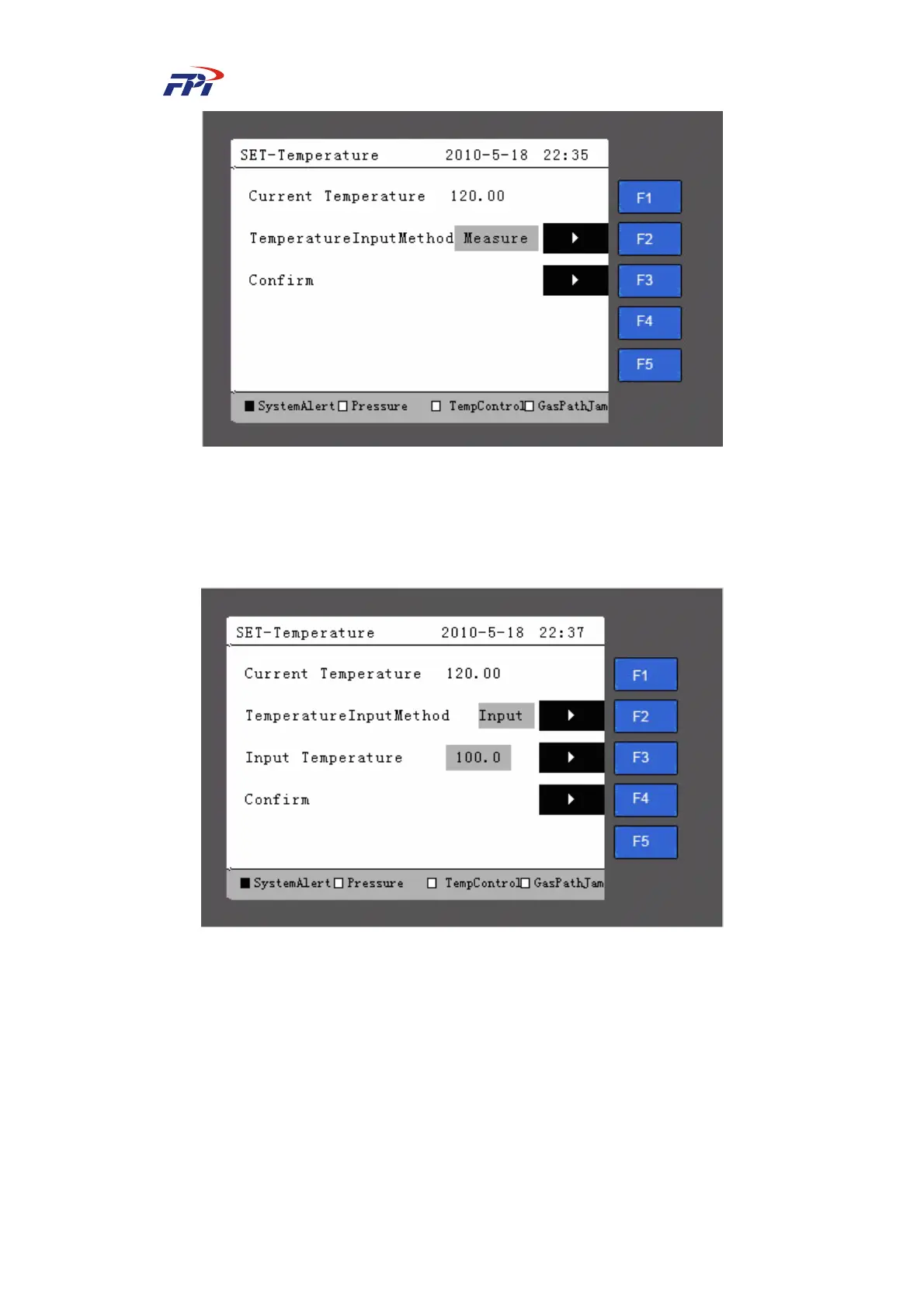
Fig 6-23 Temperature Parameter Setup
When the measuring input is selected, the system measures the pressure from internal
pressure sensor while when the manual input is selected the system will display the page as shown
in Fig 6-24 and the user can manually input the temperature.
Fig 6-24 Temperature Input Method
z Humidity: Display the current humidity and set the dry/wet mode and humidity input
method, as shown in Fig 6-24.



 To Next Page