7 Operations of CEMS2000 Monitoring Software
77
FOCUSED PHOTONICS INC
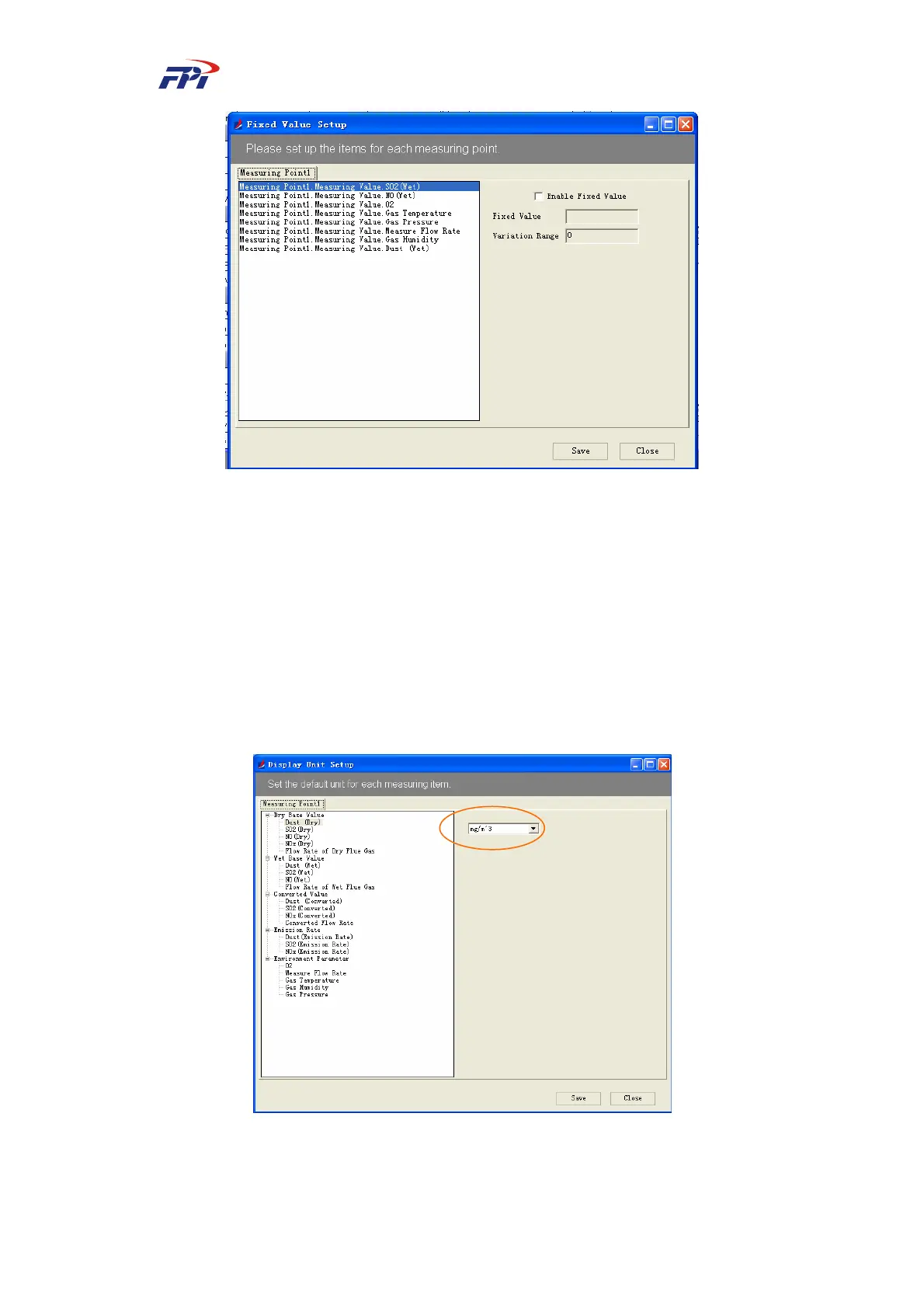
Fig 7-30 Configuration of Fixed Value
Select the measuring variable to be configured and select the check box of “Enable fixed
value” to activate the value box of Fixed Value from non-editable status to editable status. Input
the fixed value in the box, then click the “Save” button to save the current setting and click the
“Close” button to return to the main window.
7.2.2.7 Configuration of Display Unit
This function is used for configuring the display unit of each parameter, as shown in Fig
7-31.
Fig 7-31 Configuration of Display Unit
Select the measuring variable to be configured and select an unit from the list for it. Click the



 To Next Page