7 Operations of CEMS2000 Monitoring Software
94
FOCUSED PHOTONICS INC
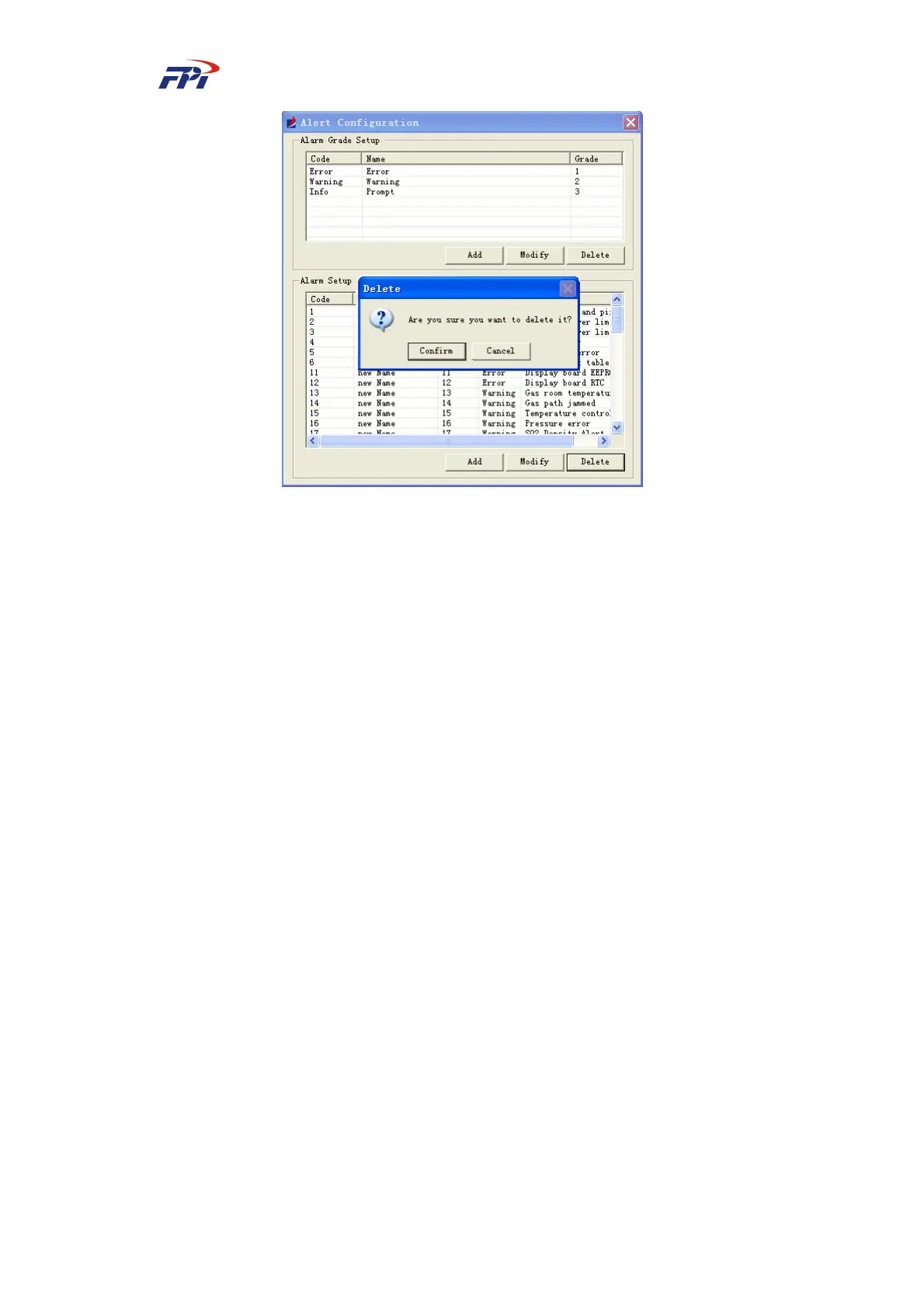
Fig 7-58 Deleting Alert Level
z Alert configuration: Set the alert information including the ID, name and code. The
operations are the same as Alert Level Configuration
7.4 System Report
This function provides the data reporting and curve reporting of the measured data for users
including 4 menus which are: report searching, curves, history data searching and report
parameters.
7.4.1 Report Searching
7.4.1.1 Daily Report
The daily report displays the daily average data table based on the hourly data. The system
automatically calculates the average value, maximum value, minimal value and total emission of
the pollutants during the whole day, as shown in Fig 7-59.



 To Next Page