7 Operations of CEMS2000 Monitoring Software
93
FOCUSED PHOTONICS INC
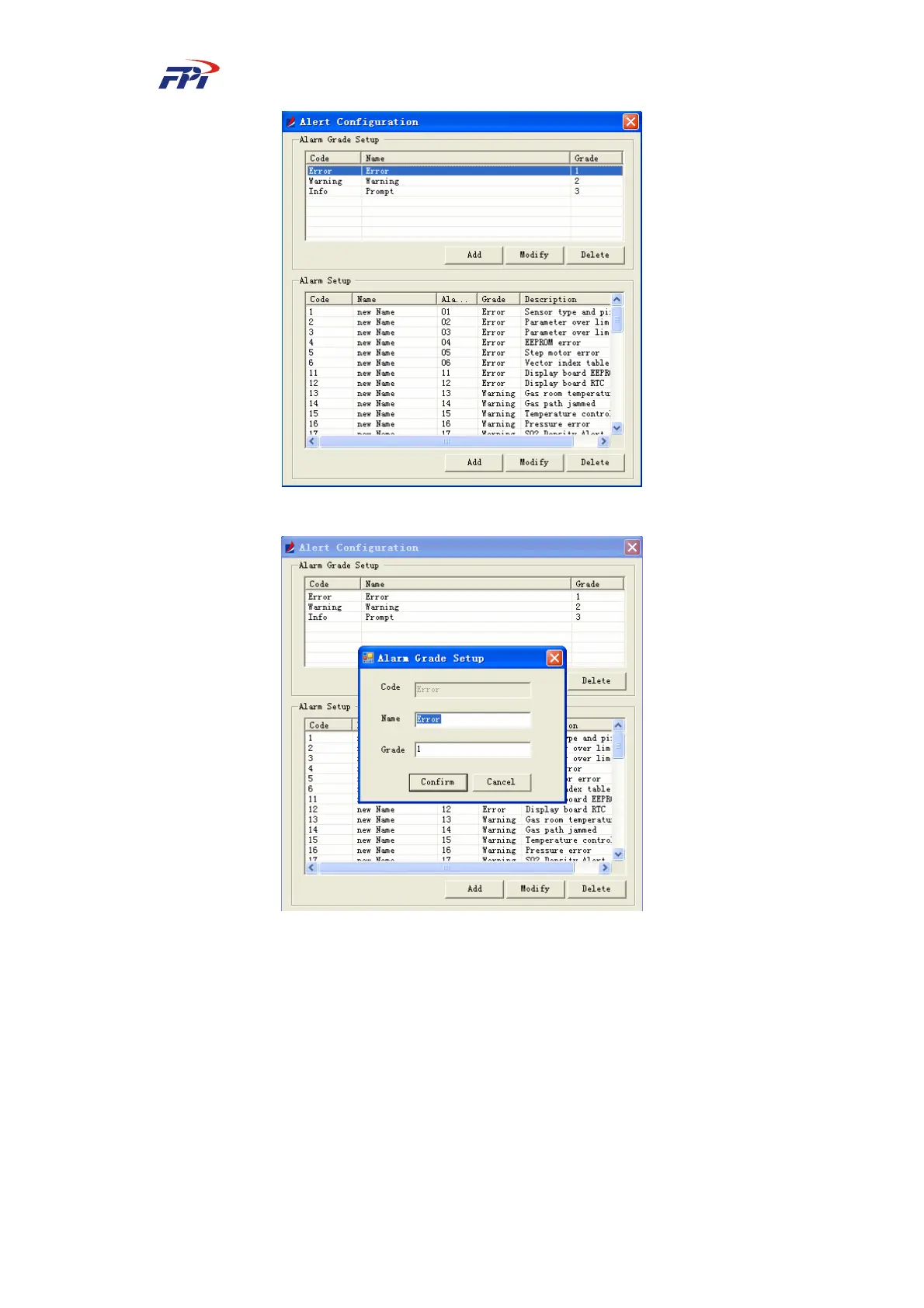
Fig 7-56 Selecting the Alert Level
Fig 7-57 Editing Alert Level
To delete an alert level: Select the alert level and click the “delete” button. The system will
display a prompt window as shown in Fig 7-58. Click “Yes” button to delete the alert level or click
“No” button to return to the alert level configuration window, as shown in Fig 7-57.



 To Next Page