7 Operations of CEMS2000 Monitoring Software
60
FOCUSED PHOTONICS INC
7.1.2 Logout
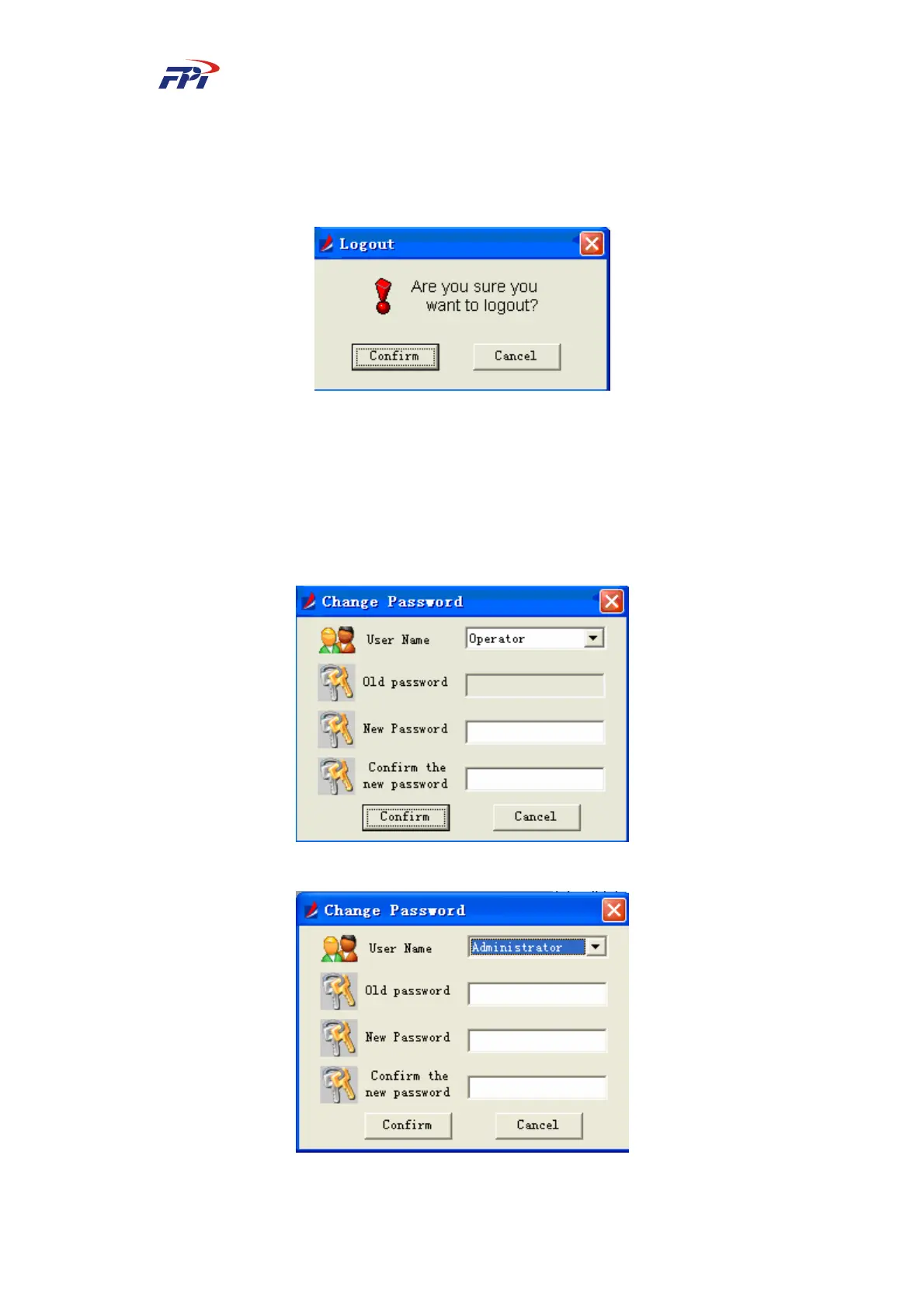
This sub-menu provides the system logout function for the administrators. It will logout the
administrator and logon the operator as user. The logout window is shown as Fig 7-3.
Fig 7-3 User Logout
7.1.3 Changing Password
You can set or change the passwords for administrators and users. The administrator has
higher permission than the user and it can change the user’s password without knowing the user’s
old password. The dialog box of changing password is shown as Fig 7-4 and Fig 7-5.
Fig 7-4 Changing User Password
Fig 7-5 Changing Administrator Password



 To Next Page