7. MAINTENANCE AND TROUBLESHOOTING
7-9
14. Press the Enter key to go to the sound test.
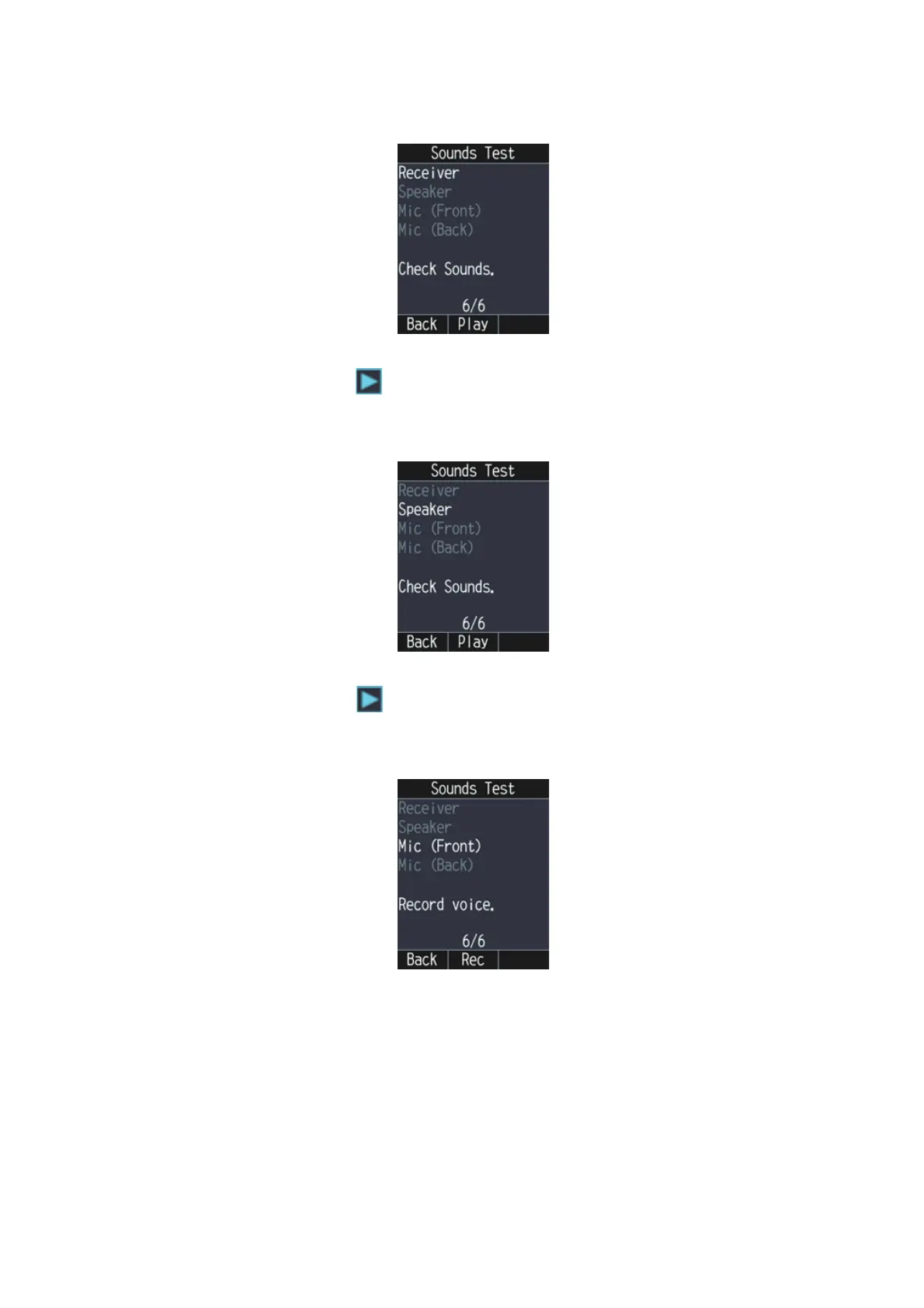
The sound test checks the receiver, speaker, and microphone in the IP Handset.
15. Press the Enter key to check the sounds for the receiver. The receiver starts to
sound. The icon at the right of the "Receiver" item appears while playing the
sounds.The receiver sounds until the Enter key is pressed.
16. Press the Enter key to stop the sounds and go to the speaker test.
17. Press the Enter key to check the sounds for the speaker. The speaker starts to
sound. The icon at the right of the "Speaker" item appears while playing the
sounds.The speaker sounds until the Enter key is pressed.
18. Press the Enter key to stop the sounds and go to the front microphone test.
19. Press the Enter key to record through the front microphone. Speak into the micro-
phone for five seconds. The indication "Now Recording." appears during this time.



 To Next Page