100 G-TECH / Pro Competition User Guide, Release 3.1
Use the following procedure to transfer all the stored runs on
your G-tech:
1
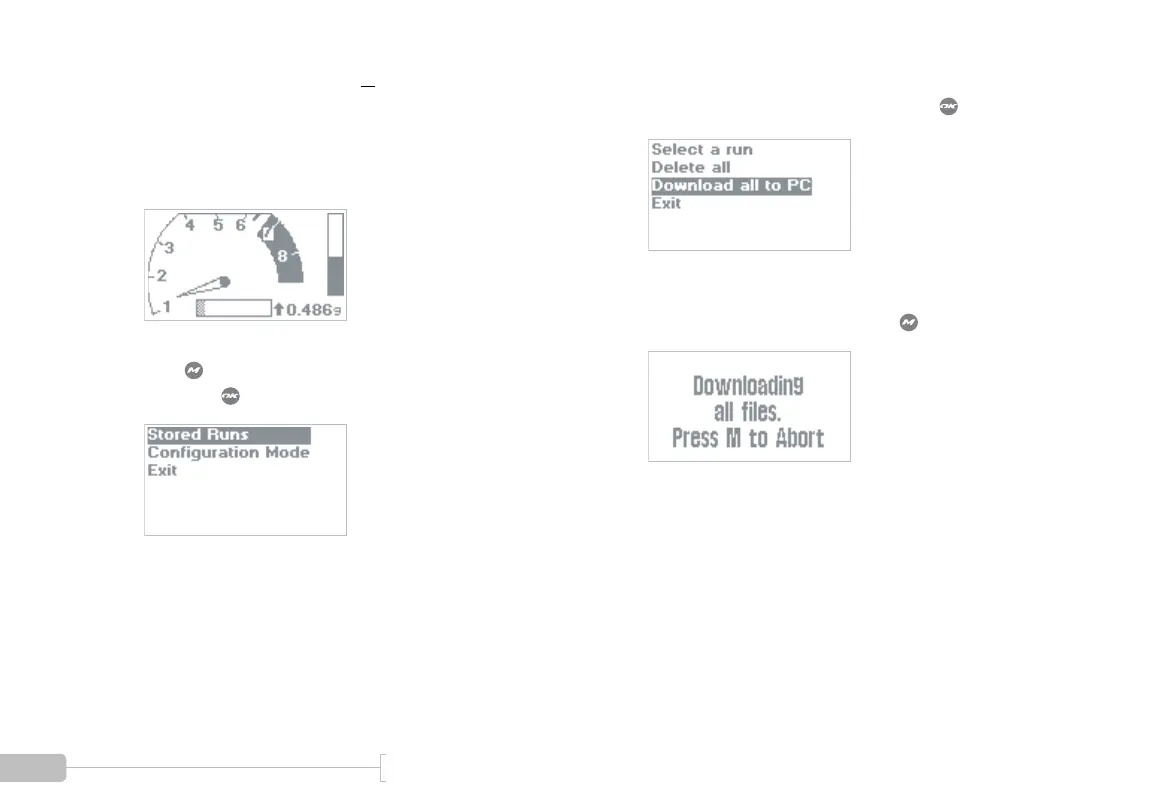
Start in Drag Strip Mode.
2
Press to bring up the Drag Strip Main Menu,
then press to select “Stored Runs”.
3
Choose “Download all to PC” and press .
4
The following screen will appear. You can cancel
the transfer at any time by pressing .



 To Next Page