18 G-TECH / Pro Competition User Guide, Release 3.1
Quick Setup and Use
Here you will customize the G-tech for your vehicle and your
personal preferences.
The G-tech saves your configuration choices internally, even
when it is powered off.
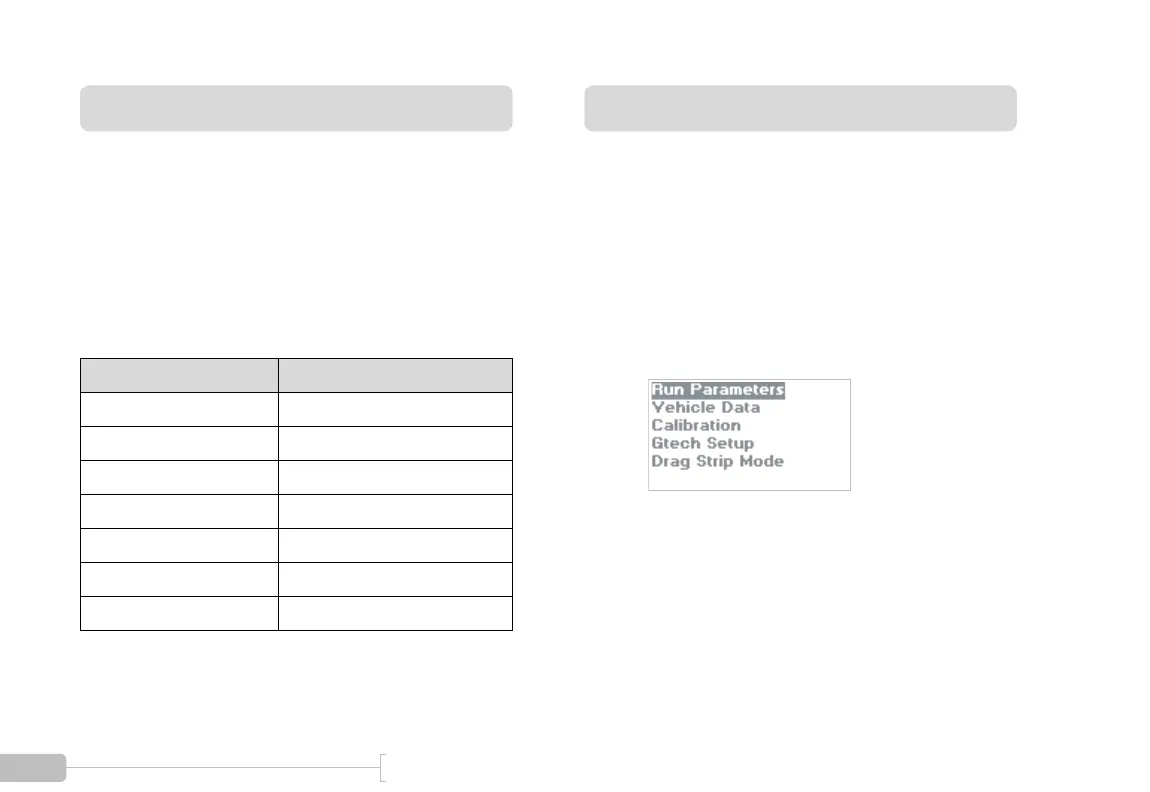
The table below summarizes the Quick Setup Procedure, and
how much time each step will take to perform.
Setting Time and Date
The G-tech has an internal clock that keeps time and date,
even when no power is applied.
Whenever you make measurements with the G-tech, it
stores the time and date as well. This makes it easy to review
your measurements and make sense of them.
Setup Item Estimated Completion Time
Set time and date 1 minute
Set vehicle redline 1 minute
Set shiftlight setpoint 1 minute
Set vehicle weight 1 minute
Calibrate RPMs 2 minutes
Calibrate accelerometers 3 minutes
Mount G-tech 2 minutes
1
Start in Configuration Mode.



 To Next Page