Multiple Vehicles
125 G-TECH / Pro Competition User Guide, Release 3.1 125
Showing the Active Vehicle
Use the procedure below to determine which vehicle is cur-
rently active in your G-tech.
4
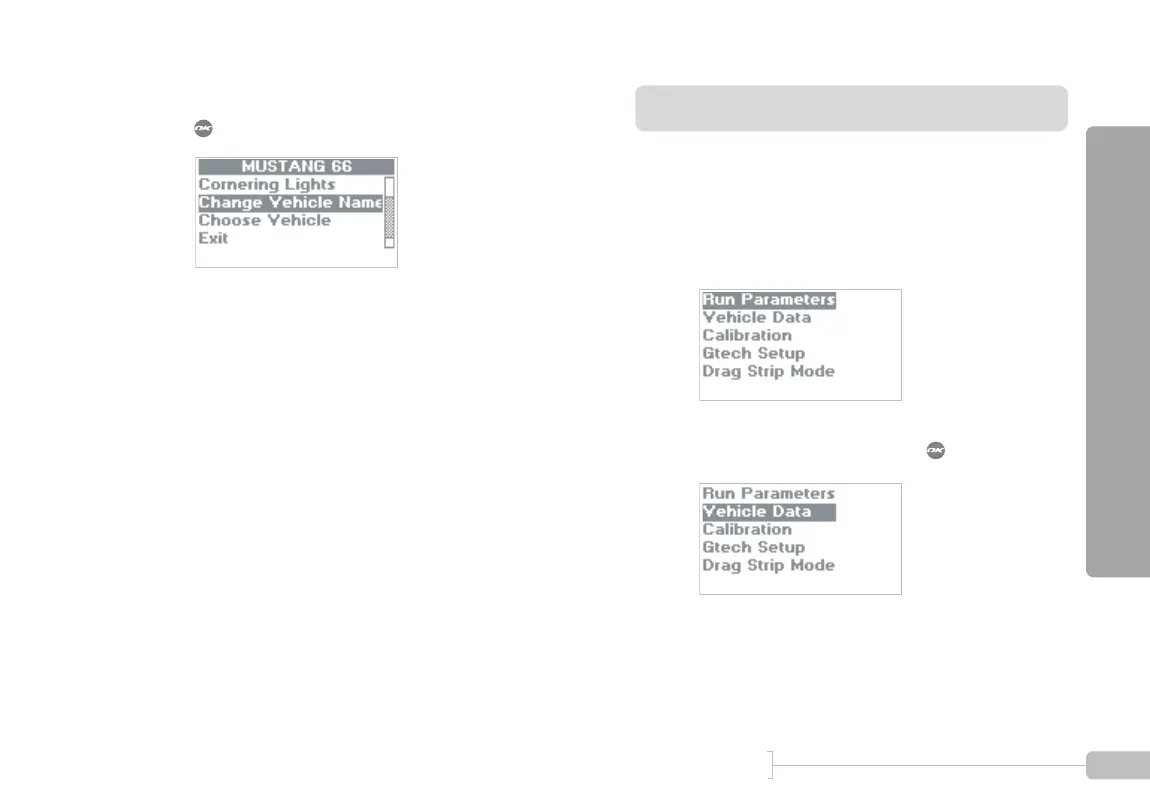
Scroll down to “Change Vehicle Name” and press
.
5
The G-tech keyboard screen (page 60) will appear.
• Enter the new name for the vehicle using the
keyboard.
• Vehicle names can be up to 15 characters
long
1
Start in Configuration Mode.
2
Select “Vehicle Data” and press .



 To Next Page