Advanced Features
115 G-TECH / Pro Competition User Guide, Release 3.1 115
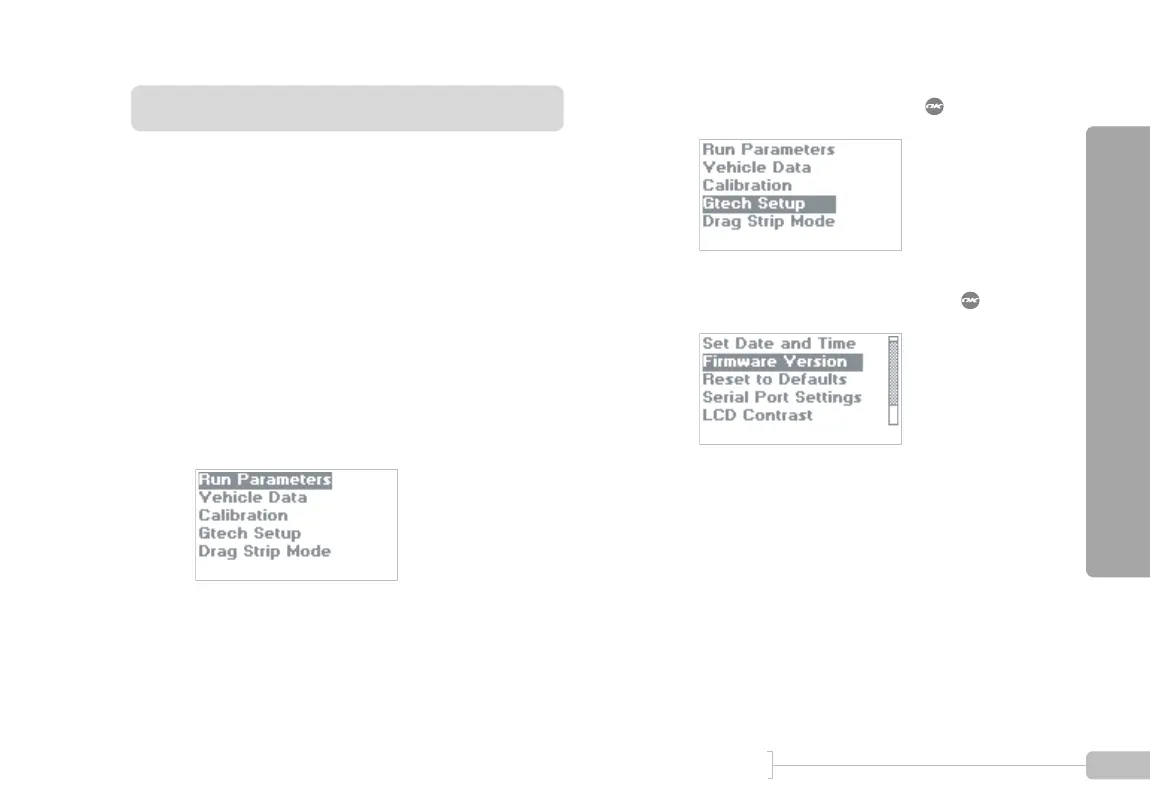
Displaying Firmware Version
The firmware version in the G-tech indicates how recently
your G-tech has been updated with new code.
You can check the Tesla Electronics website at:
http://www.gtechpro.com
to see if newer G-tech firmware (code) is available.
Also, if you ever call Tech Support, you will most likely be
asked what version of firmware is on your G-tech. This infor-
mation assists in the troubleshooting process.
1
Start in Configuration Mode.
2
Select “Gtech Setup” and press .
3
Select “Firmware Version” and press .



 To Next Page