106 G-TECH / Pro Competition User Guide, Release 3.1
Setting the Distance Marks
Have you ever wondered at what point you reach a certain
distance during an acceleration run?
With the G-tech’s Distance Marks feature, now you will
know.
There are three distance marks:
• 60 ft. mark
• 1/8 mile mark
• 1/4 mile mark
Each of these marks can be individually enabled or disabled.
When you have a distance mark enabled, and the vehicle has
reached that distance, the G-tech illuminates the upper right
LED for one second.
For example, if you have all three distance marks enabled,
and you do a full 1/4 mile acceleration run, the upper right
LED turns on three times during the run.
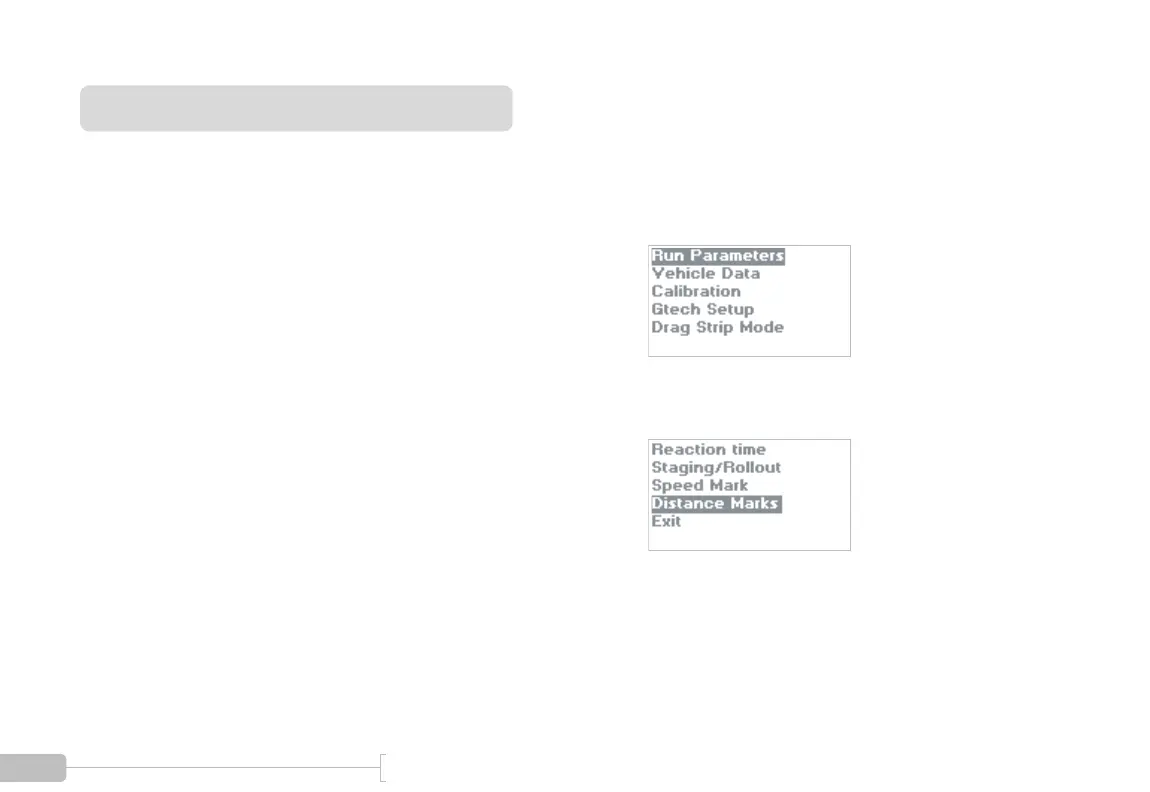
1
Start in Configuration Mode and select “Run
Parameters”.
2
Select “Distance Marks”.



 To Next Page