124 G-TECH / Pro Competition User Guide, Release 3.1
Renaming a Vehicle
In the Quick Setup Procedure earlier in the manual, you may
remember setting parameters such as vehicle weight and red-
line. In fact, you were setting information for the first vehicle.
To rename a vehicle, first select the vehicle (page 123) to
make it the active vehicle.
Let’s go ahead and rename the vehicle to something mean-
ingful for your vehicle.
1
Start in Configuration Mode.
2
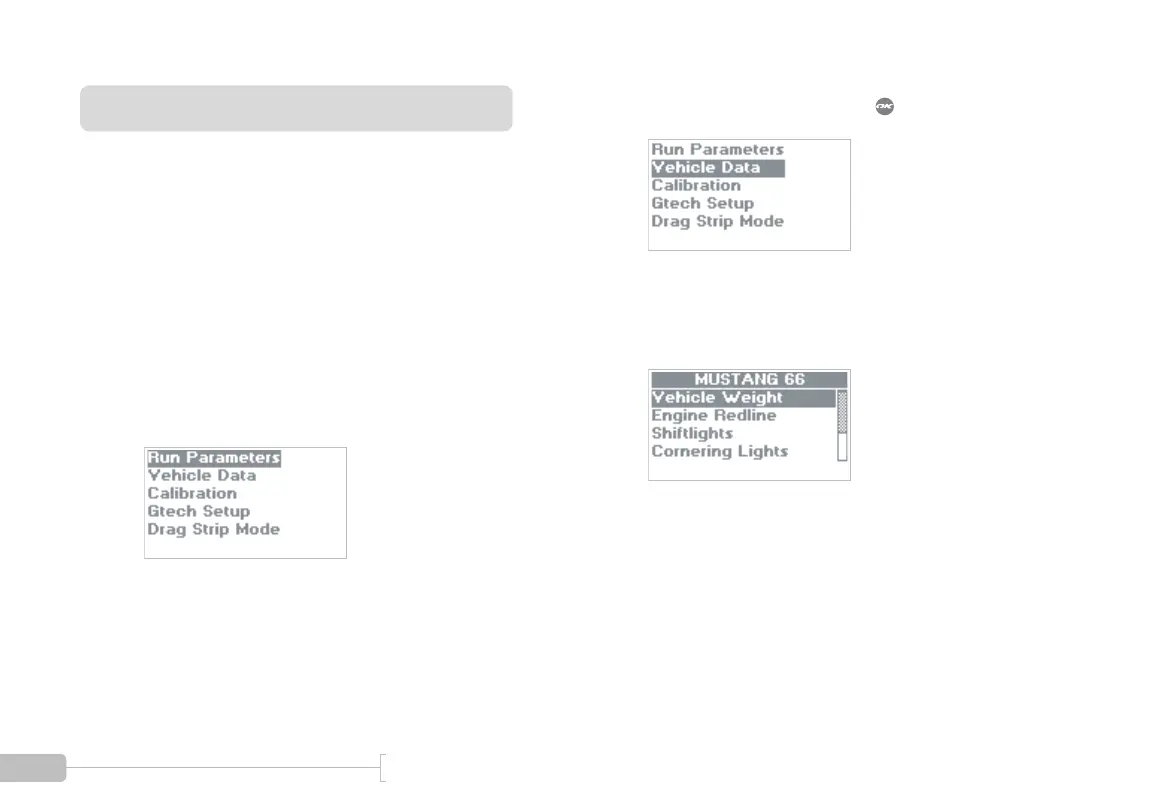
Select “Vehicle Data” and press .
3
You will see a screen similar to this one. In this
example, the user has changed the name to “MUS-
TANG 66”.



 To Next Page