Stored Runs
99 G-TECH / Pro Competition User Guide, Release 3.1 99
Downloading All Stored Runs
At some point, you may wish to download all of the stored
runs in your G-tech.
Perhaps you want to analyze all your runs in more detail on a
computer, or perhaps you just want to transfer all your runs
to a computer so you can delete them on the G-tech.
Note:
Before transferring a run to the computer, you should
connect the serial cable between the G-tech and the computer.
Refer to “G-tech-Computer Connection” on page 157 for more
information on connecting the G-tech to a computer. You should
also ensure that the G-tech PASS PC software is ready to receive
data from the G-tech. Further instructions are provided with the
PC software.
Note:
Transferring runs to the PC does not remove them
from the G-tech.
4
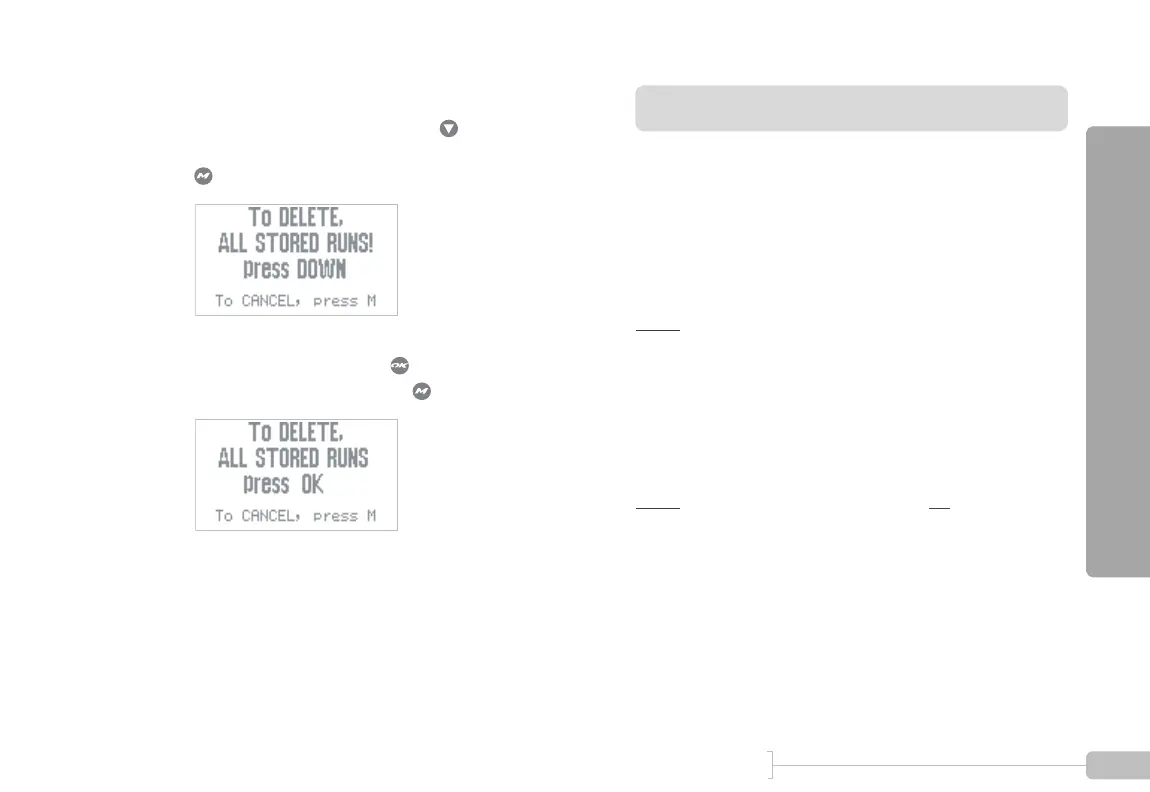
You will see this screen.
To proceed with the delete, press .
To cancel this and keep all your runs intact, press
.
5
To finish the process, press . To cancel this and
keep all your runs intact, press .



 To Next Page