150 G-TECH / Pro Competition User Guide, Release 3.1
Removing the bracket
It is very important that this technique be followed in order
to avoid damage to your mounting system.
2
Adjust the position of the mounting clip gently. If
the clip does not pivot easily, loosen the Large Vac-
uum Nut even more, otherwise you risk damaging
the ball portion of the mounting clip.
3
Turn the Large Vacuum Nut clockwise until it is
snug and the mounting clip is held firmly in place.
VACUUM
Tighten
Gap
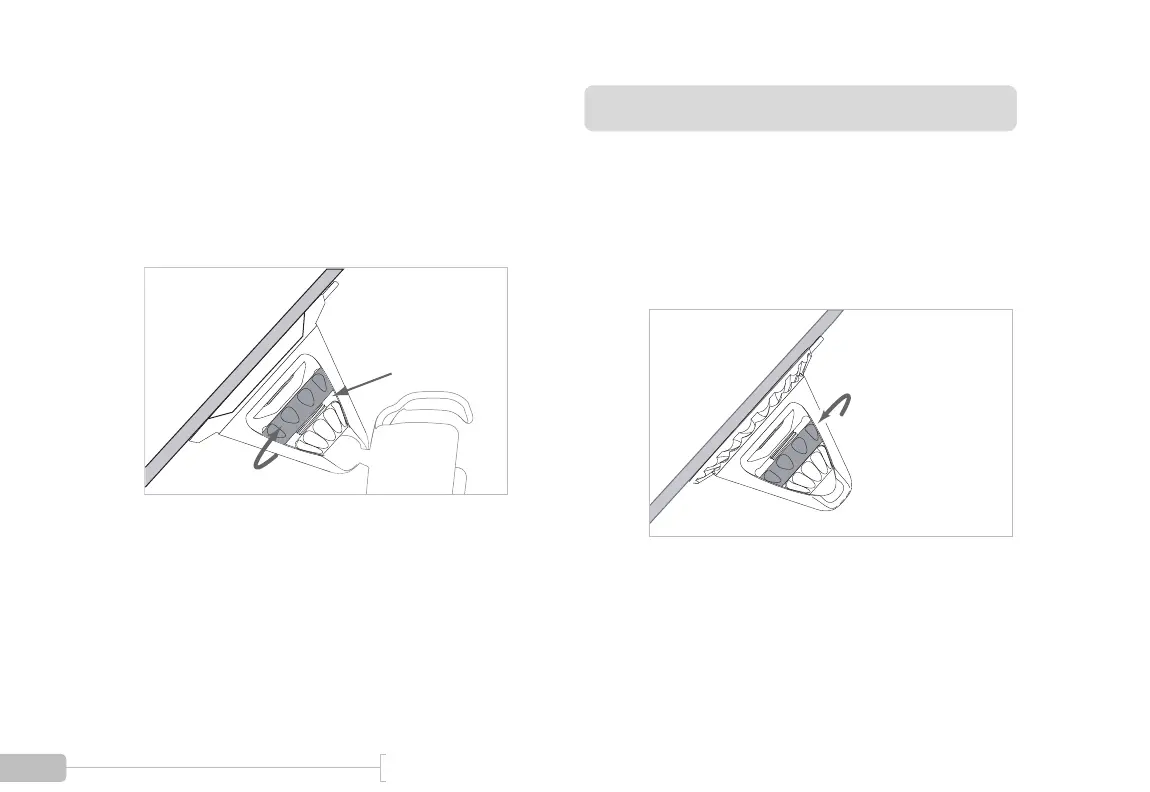
1
Turn the Large Vacuum Nut counter-clockwise until
it is snug up against the Small Tensioning Nut.
Turn Counter-
clockwise



 To Next Page