116 G-TECH / Pro Competition User Guide, Release 3.1
Resetting to Factory Defaults
In some cases you may want to restore the G-tech to the
condition it was in when it was shipped from the factory.
This will clear out all the configuration information and stored
runs.
Note:
Resetting the G-tech to Factory Defaults is a drastic
step that causes you to lose all the information that is stored on
the G-tech. Perform this step only if you are sure that you want
to delete all configuration information and stored runs!
4
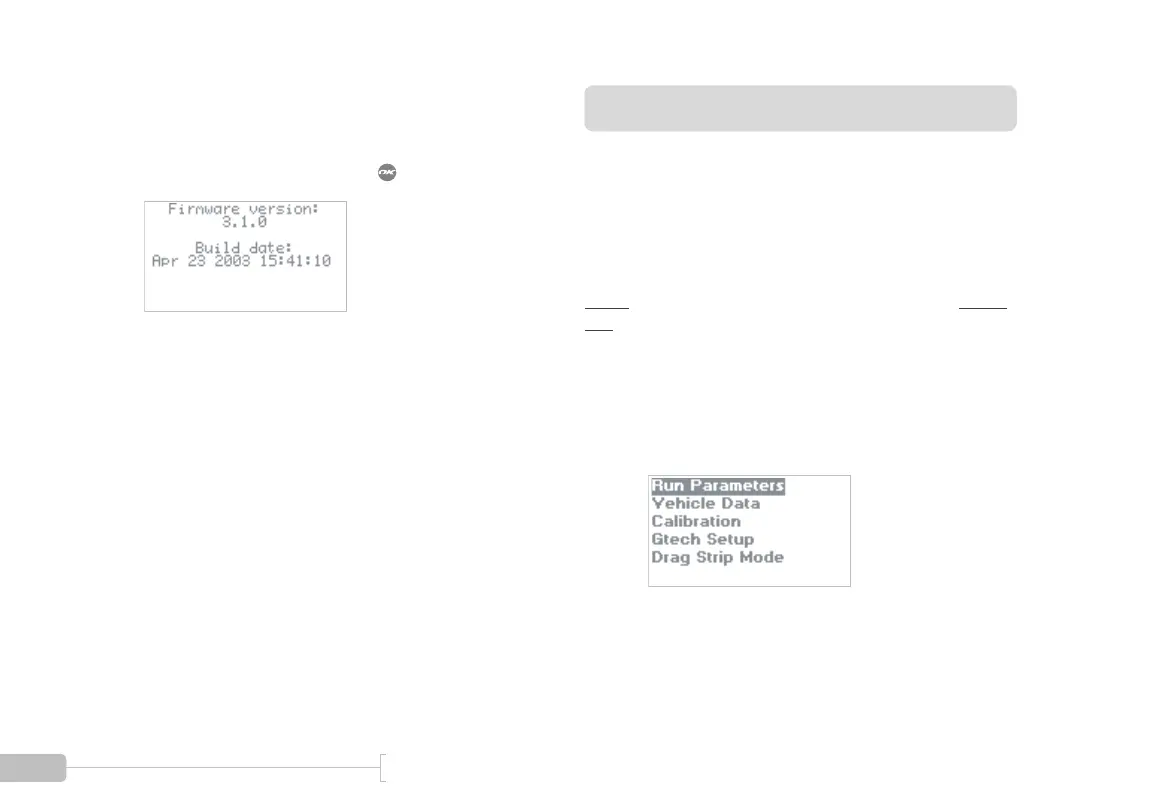
A screen such as this will appear and provide infor-
mation on the G-tech firmware version. Your
screen may differ, depending on which version of
firmware you are running. Press to exit.
1
Start in Configuration Mode.



 To Next Page