Quick Setup
25 G-TECH / Pro Competition User Guide, Release 3.1 25
Calibrating RPMs
Some of the most exciting features in the G-tech rely on
good RPM measurements.
Since every vehicle has a unique electronic “RPM signature,”
the G-tech must learn the RPM signature at two different
points for your particular vehicle before it can measure and
record RPMs.
Follow the steps below to calibrate the G-tech for your vehi-
cle’s RPM signature.
Note:
You must set the redline in the G-tech (page 20) prior
to this step!
Note: For detailed information on calibrating RPMs, please
refer to “RPM Calibration Tips” on page 145.
1
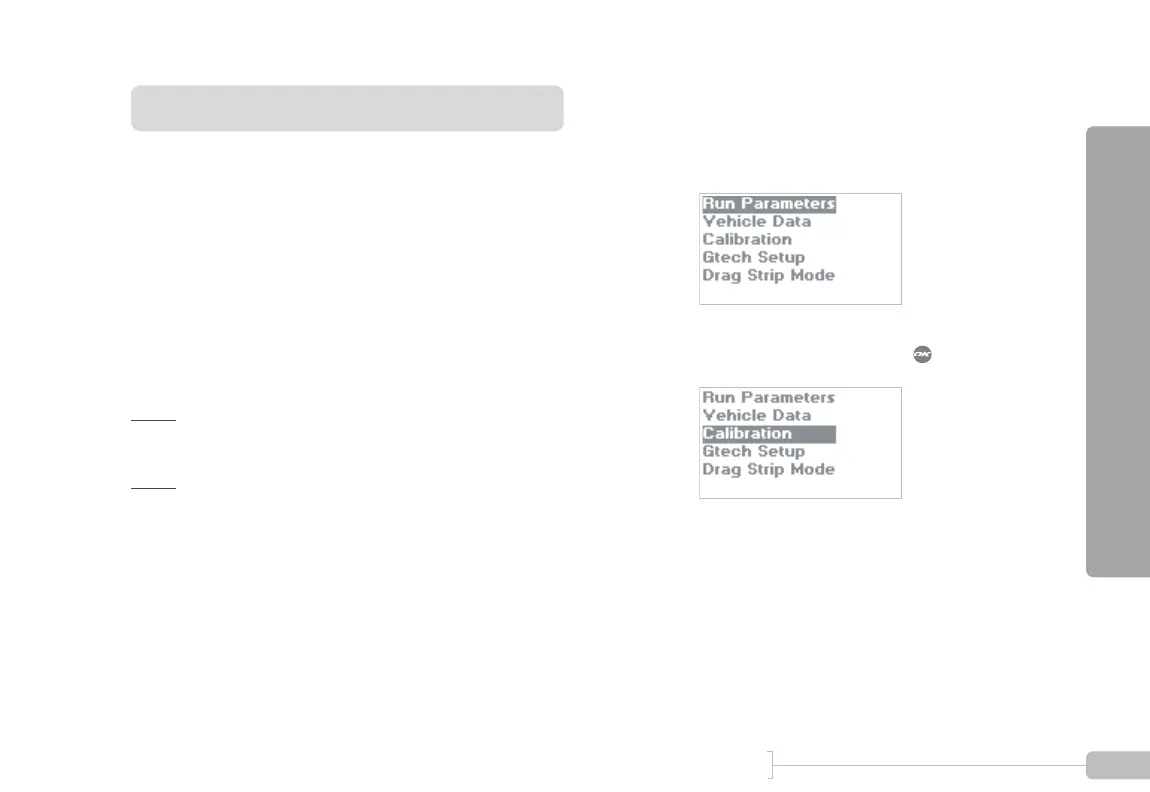
Start in Configuration Mode.
2
Select “Calibration” and press .



 To Next Page