24 G-TECH / Pro Competition User Guide, Release 3.1
2
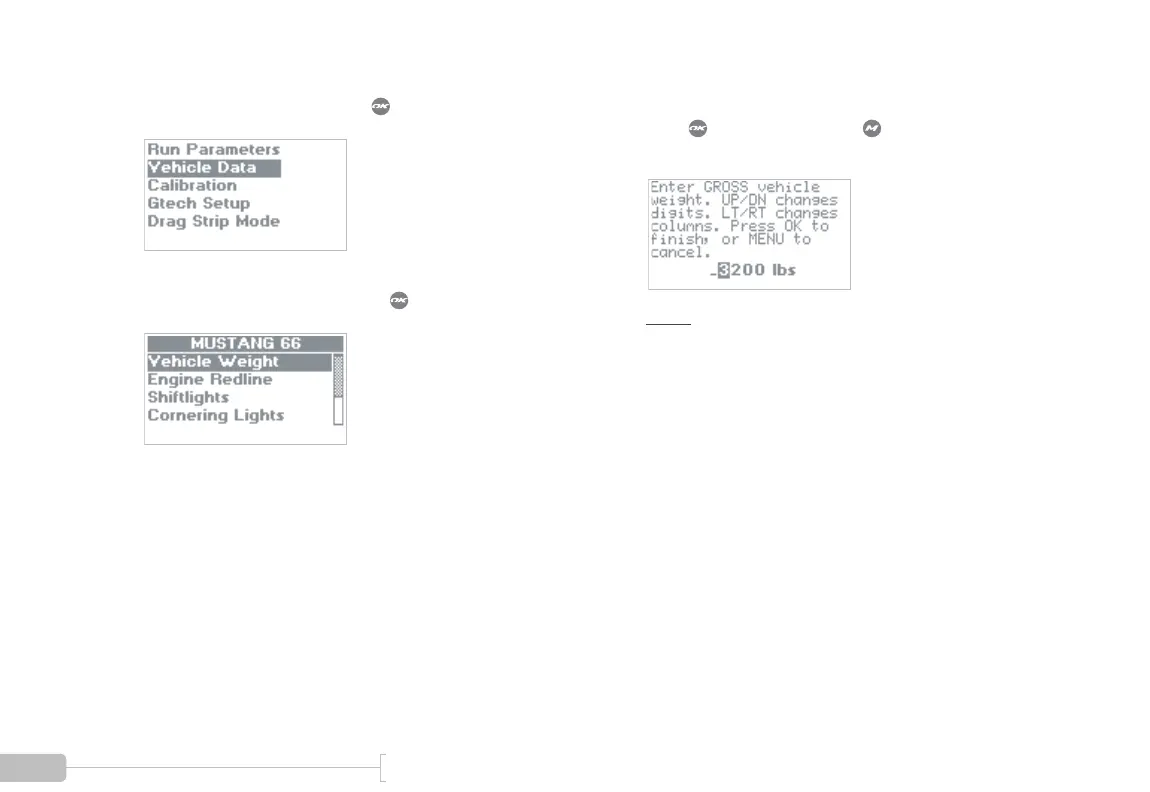
Select “Vehicle Data” and press .
3
Select “Vehicle Weight” and press .
4
Enter your gross vehicle weight.
Press when done or press to abort and dis-
card the changes.
Note: Be sure to include weight of fuel, driver,
equipment, etc. (page 160)



 To Next Page