118 G-TECH / Pro Competition User Guide, Release 3.1
Serial Port Baud Rate
The G-tech uses a serial port to communicate with external
devices such as your PC.
The “baud rate” determines how fast the G-tech communi-
cates with the computer. The higher the baud rate, the faster
the G-tech sends and receives data.
Some PCs cannot keep up with the G-tech at high baud
rates, however. Therefore, the G-tech allows you adjust the
baud rate so that you can match it to a baud rate on the
computer that works reliably.
When using the serial port, start by using the fastest baud
rate (115,200) on both the computer and the G-tech. If you
have problems getting the two devices to communicate,
lower the baud rate on both and try again.
1
Start in Configuration Mode.
2
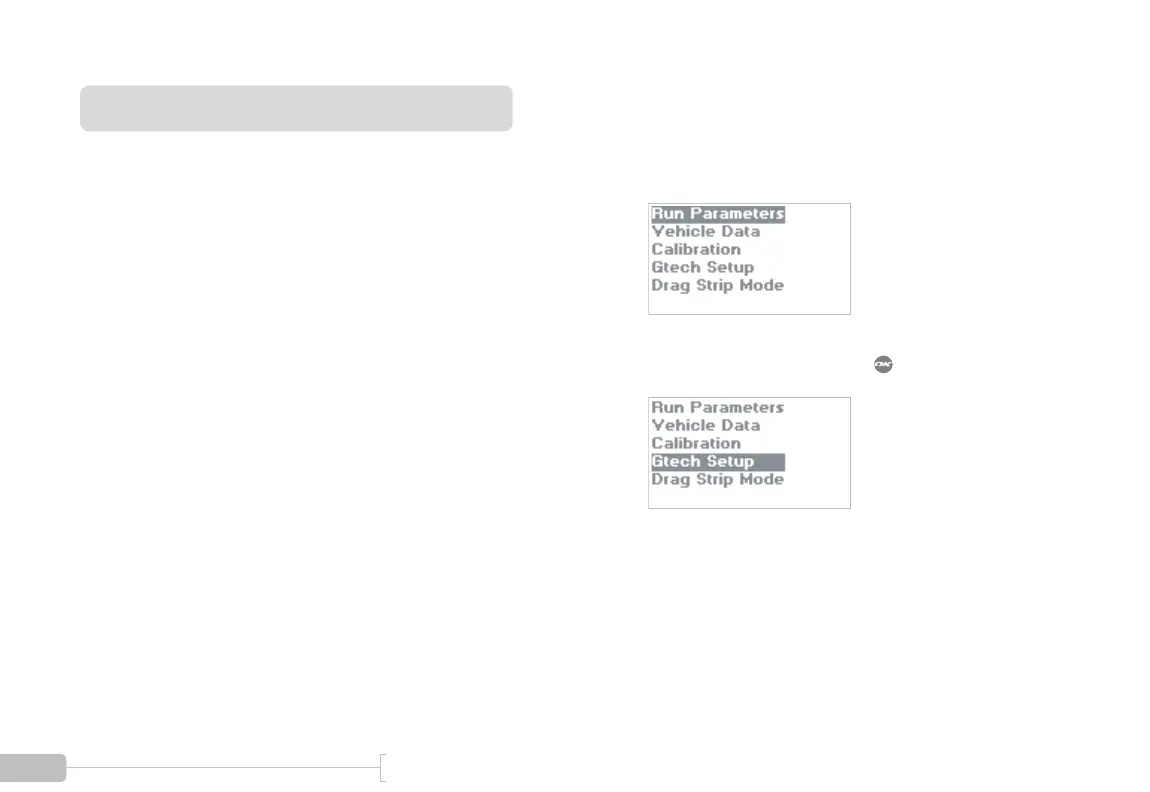
Select “Gtech Setup” and press .



 To Next Page