134 G-TECH / Pro Competition User Guide, Release 3.1
Setting the Rollout Distance
The rollout distance is the distance that the vehicle moves
before the E.T. clock starts timing. This is exactly what hap-
pens at a dragstrip.
By configuring the G-tech with a rollout distance that is iden-
tical to the rollout distance you use at the track, your times
will be very close to those measured with the track’s equip-
ment.
Note: You should use the same rollout value when doing
several runs that you will compare against one another.
For more information, refer to “Drag Strip Concepts” on
page 147.
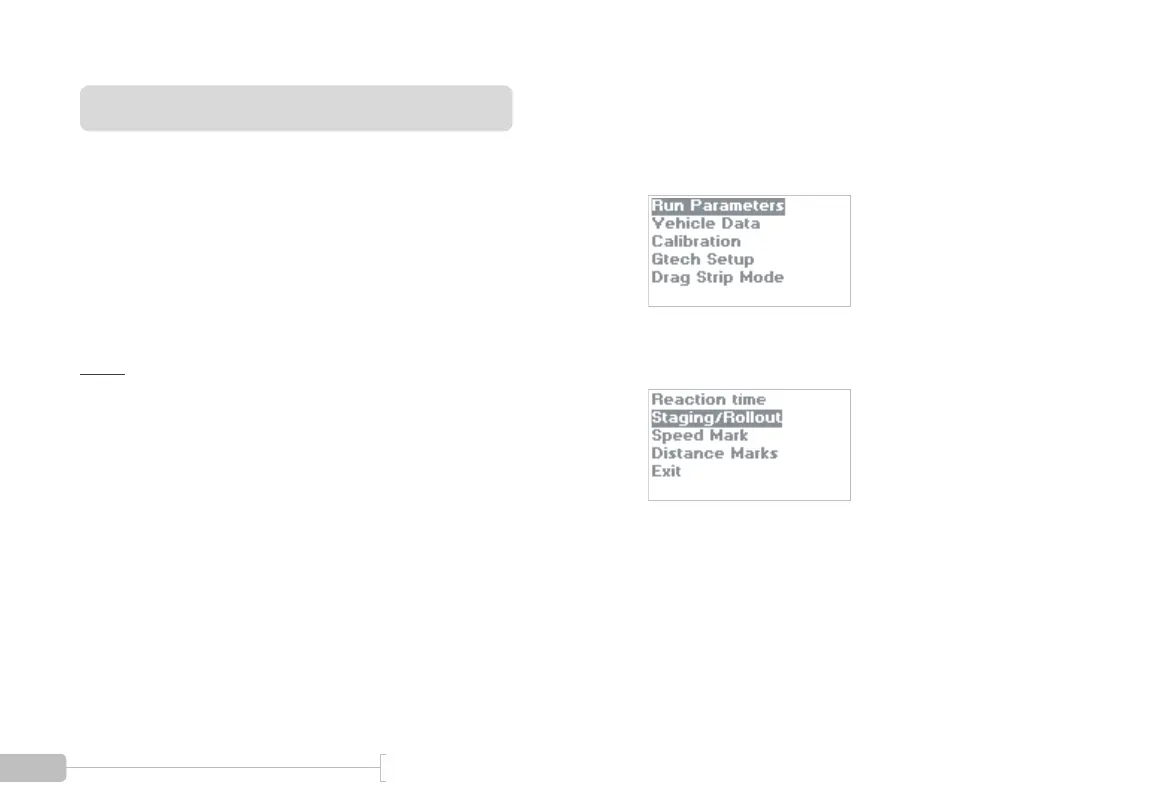
Use the following procedure to set the rollout for a run.
1
Start in Configuration Mode and select “Run
Parameters”.
2
Select “Staging/Rollout”.



 To Next Page