Pro Features
129 G-TECH / Pro Competition User Guide, Release 3.1 129
Using the Timing Tree Modes
The following information describes the entire start proce-
dure if you use any of the four Timing Tree modes. This
example assumes the user has set the mode to “Full Tree (0.5
second).”
Note: The colors “amber” and “green” refer to the actual
track light colors.
2
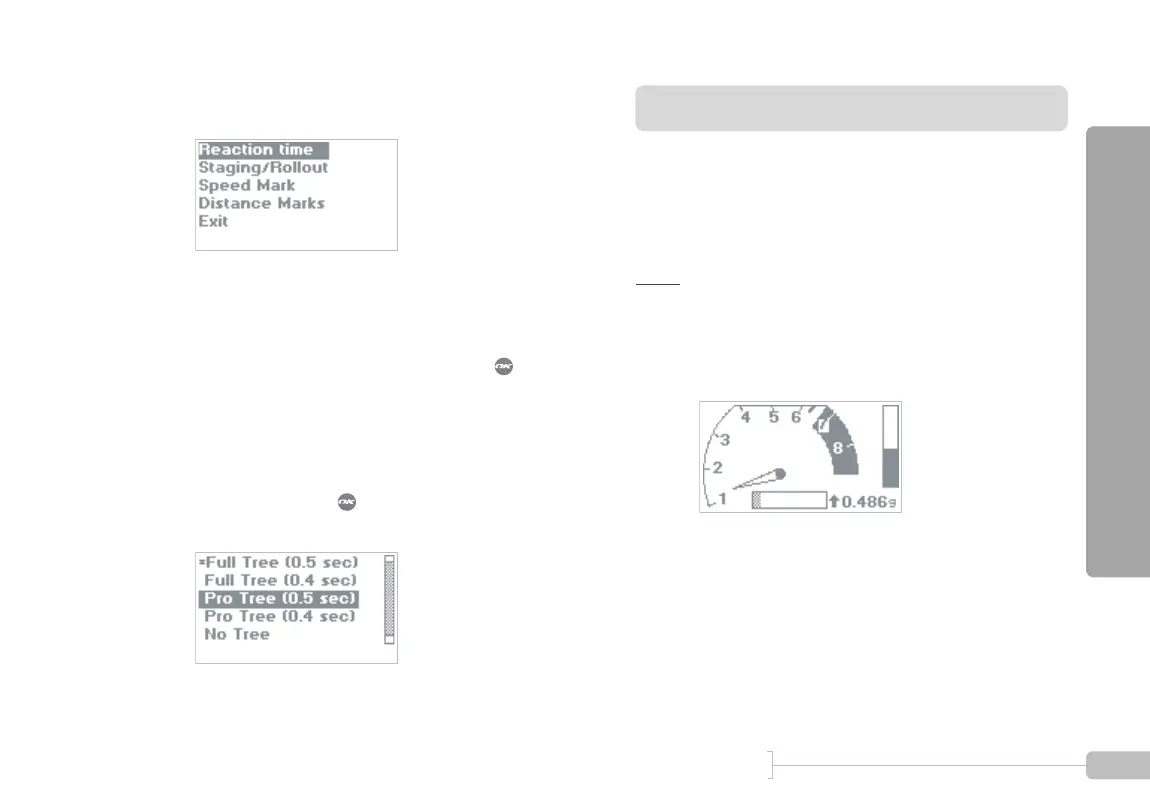
Select “Reaction time.”
3
Select the mode you want. The line with the aster-
isk (*) next to it is the active choice.
To change the mode, move the highlighted selec-
tion bar to the choice you want, and press . The
asterisk will then move to the choice you have just
made, indicating that it is now active.
In this example, a Full Tree with 0.5 second timing
is the current choice as indicated by the asterisk (*)
next to it.
If you were to press , the mode would switch to
a Pro Tree with 0.5 second timing.
1
Start in Drag Strip Mode.



 To Next Page