Acceleration Runs
57 G-TECH / Pro Competition User Guide, Release 3.1 57
• View Run Again and return to the Run Viewing Menu
For now, let’s just discard these results, since we are just get-
ting familiar with the G-tech. We will come back to the other
choices later in this manual.
Discarding Run Results
Discarding a run causes you to lose all the information about
the run forever.
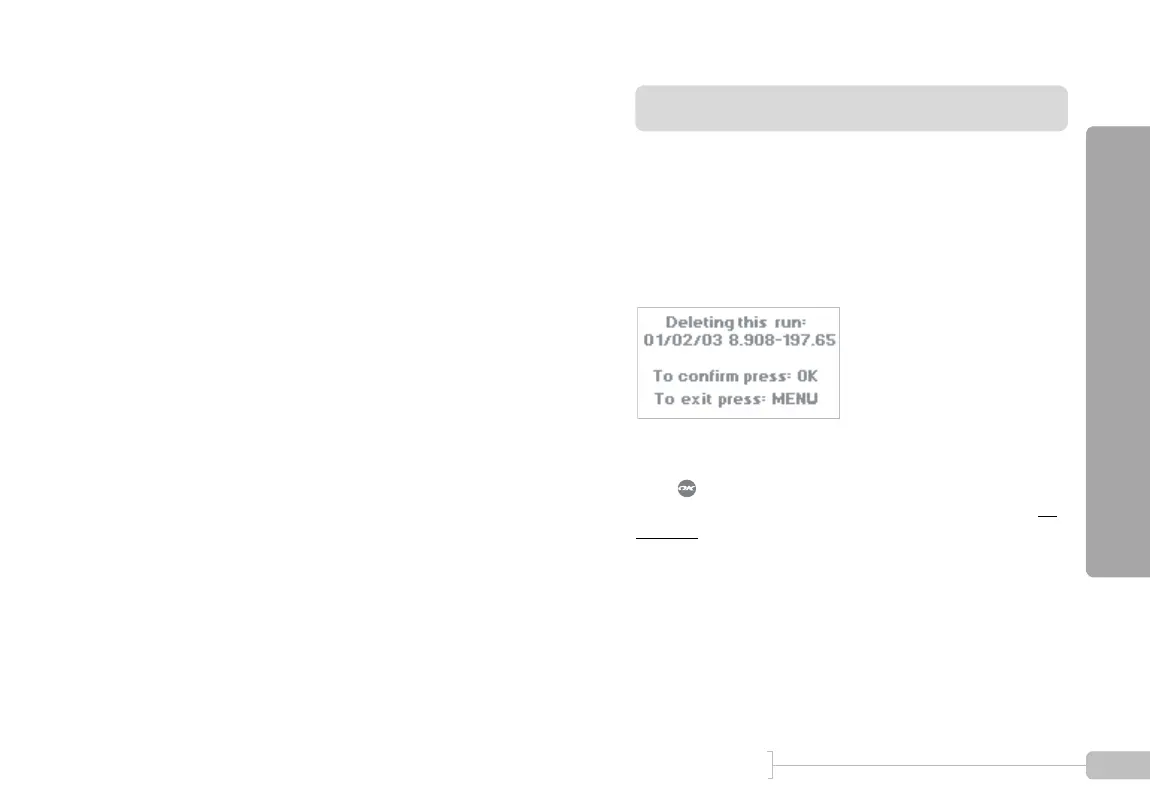
Therefore, when you select “Discard this run” from the Run
Save Menu, the G-tech requires that you confirm this deci-
sion (Figure 22).
Figure 22: Confirmation before discarding run
Press to confirm. The G-tech will discard all the results,
and return to the main window in Drag Strip Mode, the G-
Window.



 To Next Page