62 G-TECH / Pro Competition User Guide, Release 3.1
Checking Free Memory
Since the G-tech allows you to store runs internally, over
time you may begin to use up the free memory.
Deleting stored runs (p. 96) will free up memory. Also, you
may want to download your runs to the PC (p. 99) for future
analysis before deleting them.
The length of the stored run determines how much memory
it uses inside the G-tech (longer runs take up more memory).
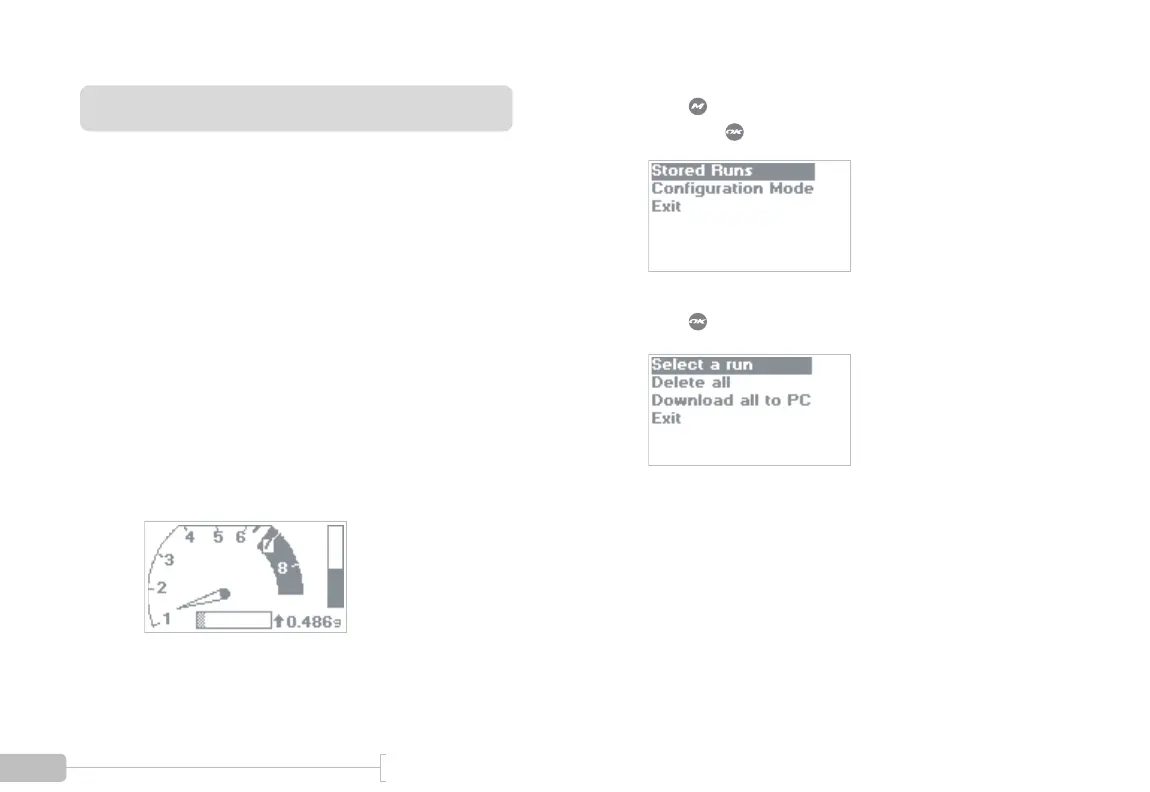
You can use the following procedure to check how much
free memory you have left in your G-tech.
1
Start in Drag Strip Mode.
2
Press to bring up the Drag Strip Main Menu,
then press to select “Stored Runs.”
3
Press to choose “Select a run.”



 To Next Page