94 G-TECH / Pro Competition User Guide, Release 3.1
Recalling a Stored Run
Once you have stored a run in the G-tech, you can recall it at
any time and examine its details.
Please refer back to “Loading a Stored Run” on page 66 for
details on loading (recalling) a stored run.
Once the run has been loaded, you can do any of the follow-
ing:
• View the run results (milestones, E.T., graphs, etc.)
See “Reviewing Stored Run” on page 94.
• Rename the run
See “Renaming A Stored Run” on page 95.
• Delete the run from the G-tech’s internal memory
See “Deleting a Stored Run” on page 96.
• Download the run to the PC
See “Downloading A Stored Run” on page 97.
Reviewing Stored Run
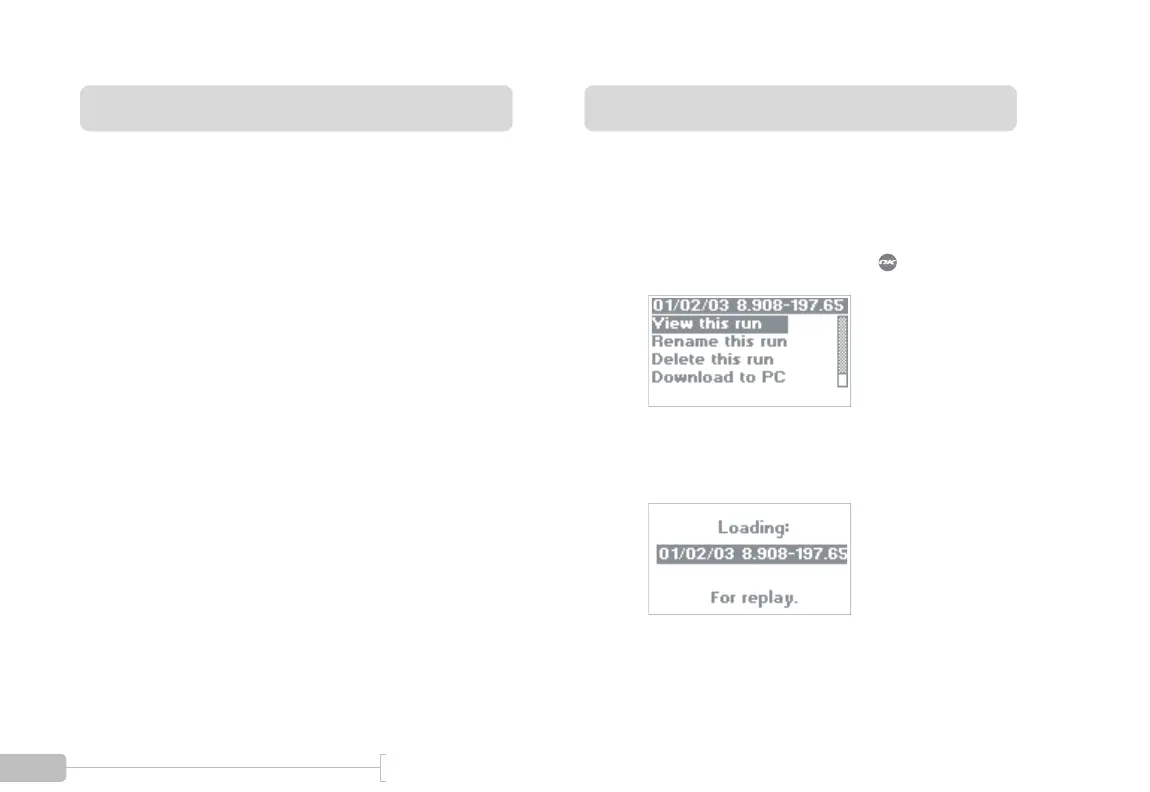
Once you have recalled a run from the G-tech (page 66),
you can review the run as follows:
1
Select “View this run” and press .
2
While the run is being loaded, you will see a screen
similar to the following:



 To Next Page