Advanced Features
119 G-TECH / Pro Competition User Guide, Release 3.1 119
Adjusting the LCD Contrast
The G-tech uses a Liquid Crystal Display (LCD) to display
information.
You may want to adjust the contrast on the LCD due to per-
sonal preferences, environmental conditions, etc.
Use the following procedure to adjust your LCD’s contrast.
3
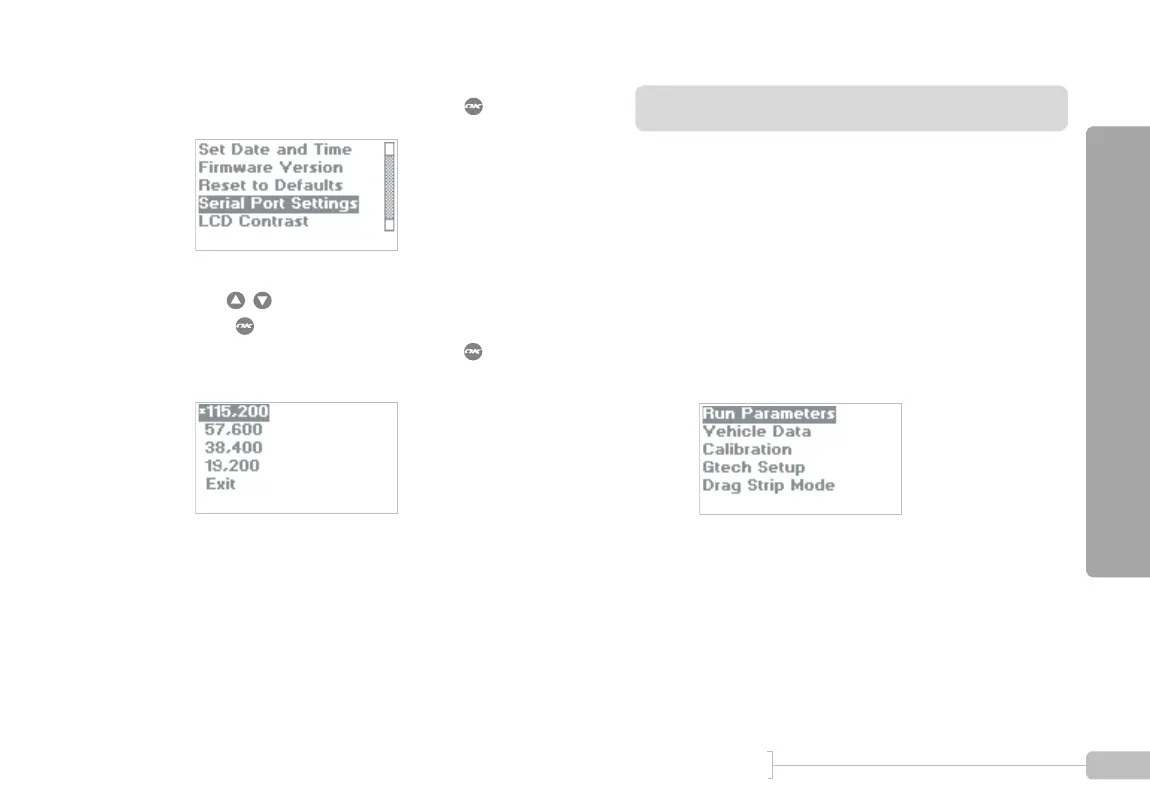
Select “Serial Port Settings” and press .
4
Use to select the desired baud rate and
press . The current baud rate is indicated with
an asterisk (*). Select “Exit” and press when fin-
ished.
1
Start in Configuration Mode.



 To Next Page