120 G-TECH / Pro Competition User Guide, Release 3.1
2
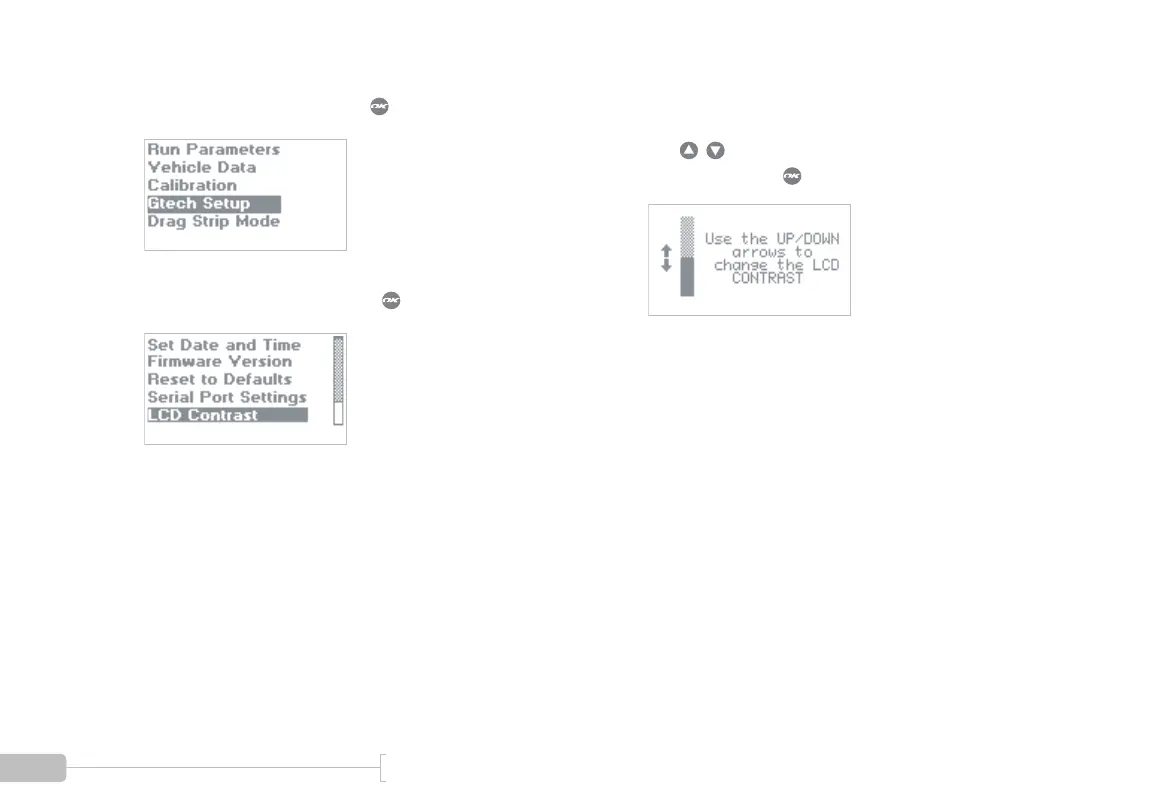
Select “Gtech Setup” and press .
3
Select “LCD Contrast” and press .
4
You will see a screen similar to the screen shown
here.
Use to adjust the contrast on the LCD.
When done, press to save changes and exit.



 To Next Page