Basics
11 G-TECH / Pro Competition User Guide, Release 3.1 11
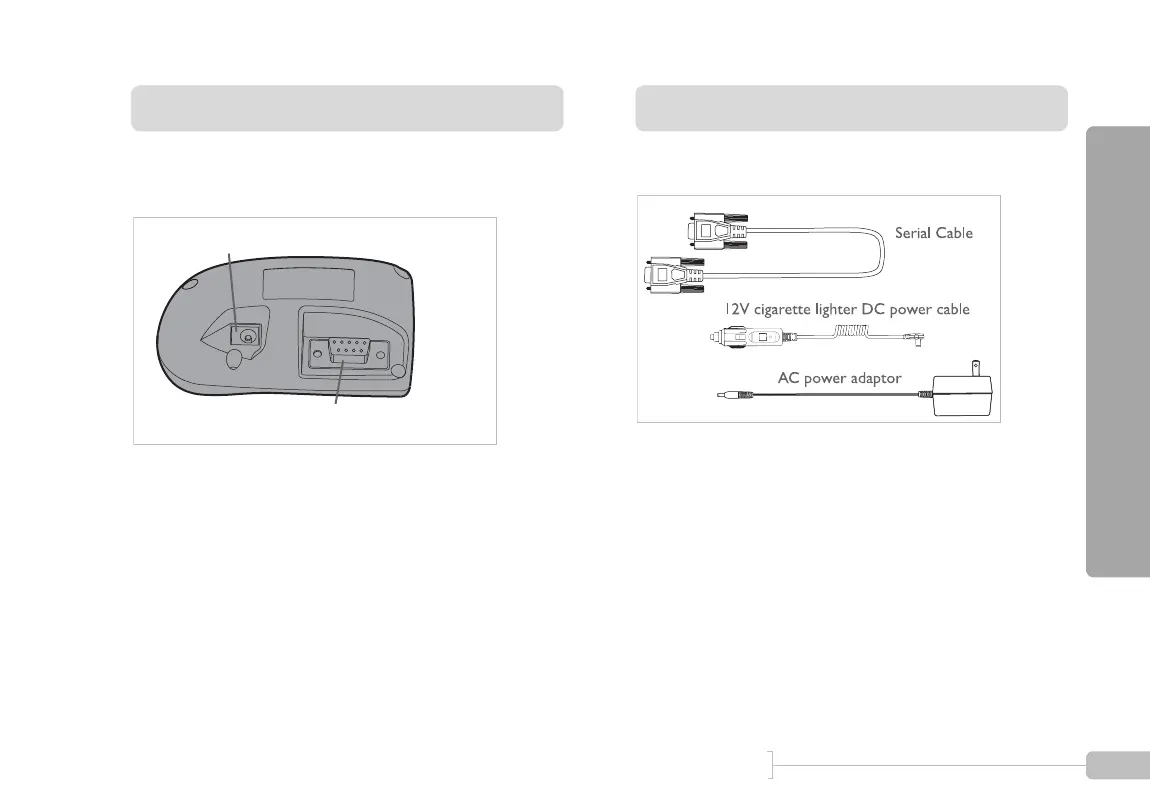
G-tech Back Side
The back of the G-tech has 2 connectors as shown in Figure
2:
Figure 2: G-tech rear
• DC Power Jack – plug in either of the supplied DC
power cables into this connector
• Serial Communications Port – plug in the supplied
serial cable into this port to enable communications
between the G-tech and a computer
Cables
The G-tech ships with 3 separate cables:
Figure 3: G-tech cables
• Serial Cable – used to connect the G-tech to a com-
puter for data transfer
• AC Power Adapter – this cable supplies power from
any 120V AC wall socket
• 12V cigarette lighter DC Power Cable – supplies
power from vehicle’s accessory (cigarette lighter) socket
DC Power Jack
Serial Communications Port



 To Next Page