Quick Setup
21 G-TECH / Pro Competition User Guide, Release 3.1 21
Setting the Shiftlight Setpoint
The shiftlights illuminate to indicate when you should upshift
into the next gear.
If you have a manual transmission vehicle, or a vehicle whose
gears can be shifted under driver control, this feature may be
of interest to you.
If you do not have control over when your vehicle shifts
gears, you probably want to disable the shiftlights altogether
(page 110).
Before using the G-tech’s shiftlights feature, you must set the
shiftlight setpoint RPM value.
Some people set the shiftlight setpoint to the same value as
their vehicle’s redline value; other people set it to a lower
value, so that the lights turn on before they reach redline in a
run. It is your preference and can be changed at any time.
The shiftlight setpoint is also indicated on the graphical
tachometer on the G-Window (page 47).
4
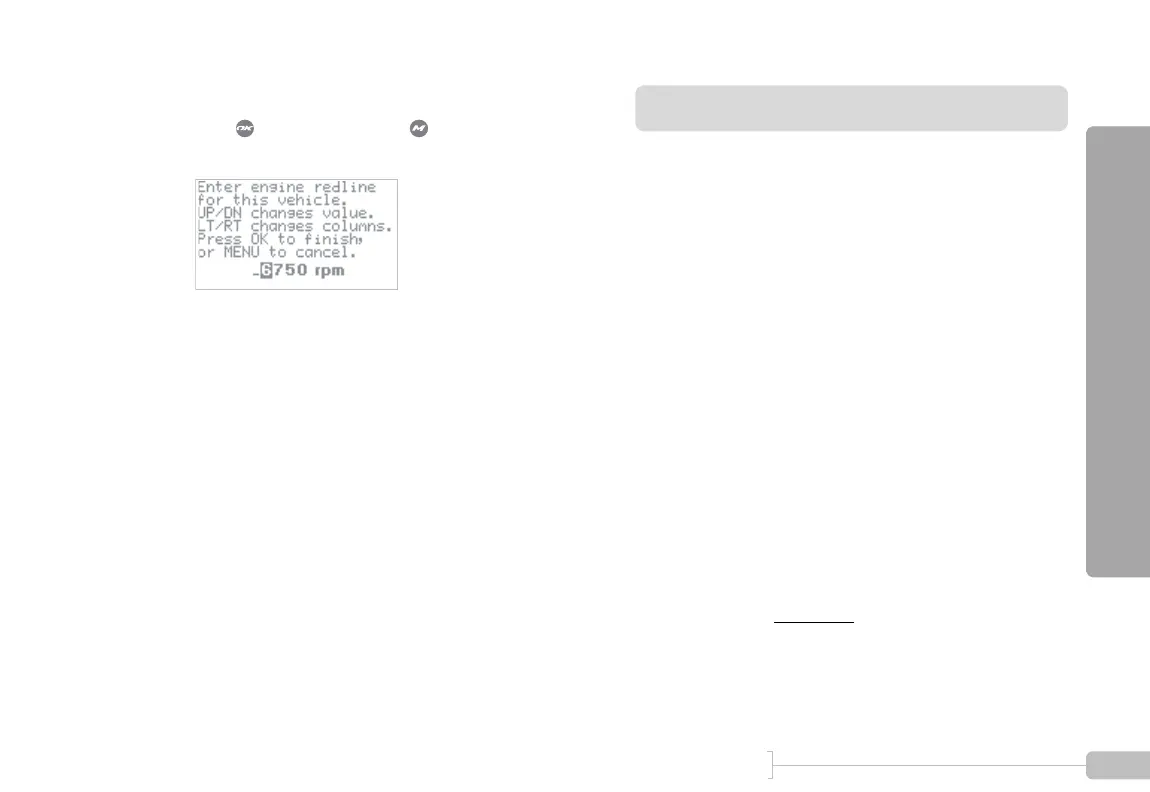
Enter vehicle’s engine redline.
Press when done or press to abort and dis-
card the changes.



 To Next Page