22 G-TECH / Pro Competition User Guide, Release 3.1
Note: This step must be performed in the vehicle, it cannot
be performed when powered by the AC power adapter.
1
Start your vehicle, and plug the G-tech into your
vehicle’s accessory power outlet.
2
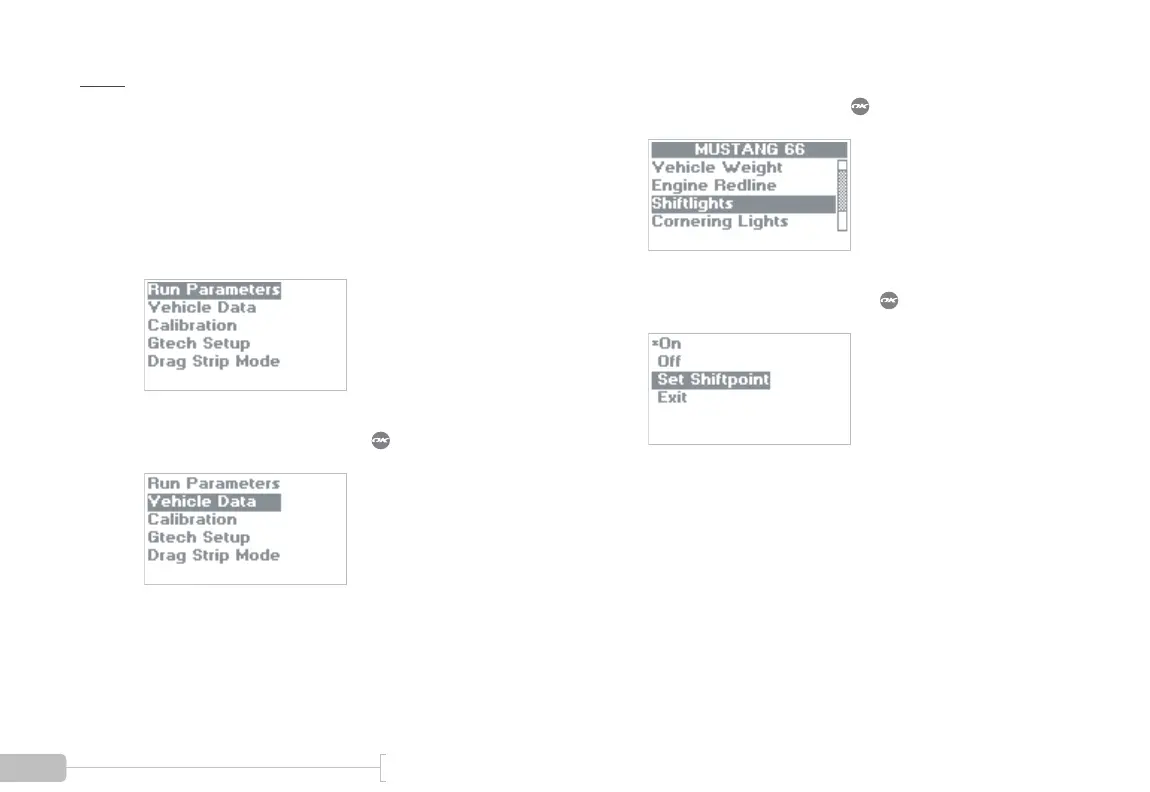
Put the G-tech in Configuration Mode.
3
Select “Vehicle Data” and press .
4
Select “Shiftlights” and press .
5
Select “Set Shiftpoint” and press .



 To Next Page