12 G-TECH / Pro Competition User Guide, Release 3.1
The 12V cigarette lighter DC Power Cable has a fuse in the
end that plugs into your vehicle. If the cable does not seem to
provide power when the vehicle is running, the fuse may be
blown and need replacing.
To replace the fuse, unscrew the tip and replace the fuse
with a standard 1 AMP fuse. Fuses can normally be purchased
at any automotive parts store.
Menus and Scroll Bars
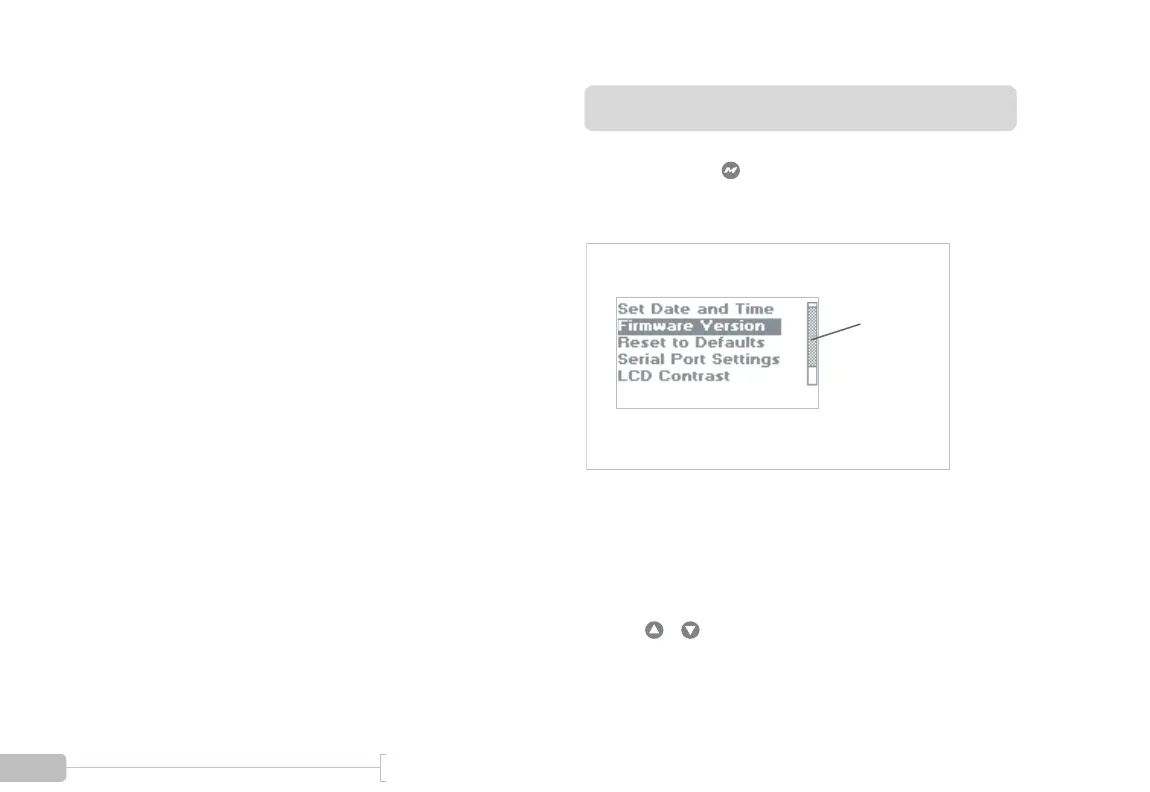
Generally, pressing will bring up a multi-line text menu.
An example of one of the G-tech’s menus is shown in Figure
4:
Figure 4: A G-tech menu with a scroll bar
Some menus have a scroll bar on the right hand side. This
means that there are more items in the menu than the G-
tech can display at once.
Use the / arrow keys to move through all the choices
in the menu.
Scroll bar



 To Next Page