Acceleration Runs
63 G-TECH / Pro Competition User Guide, Release 3.1 63
Saving a run / low on memory
Suppose you perform a run and then want to save the run,
but the G-tech doesn’t have enough free memory.
In this situation, the G-tech will give you an opportunity to
delete one or more of your saved runs to make room for the
new run.
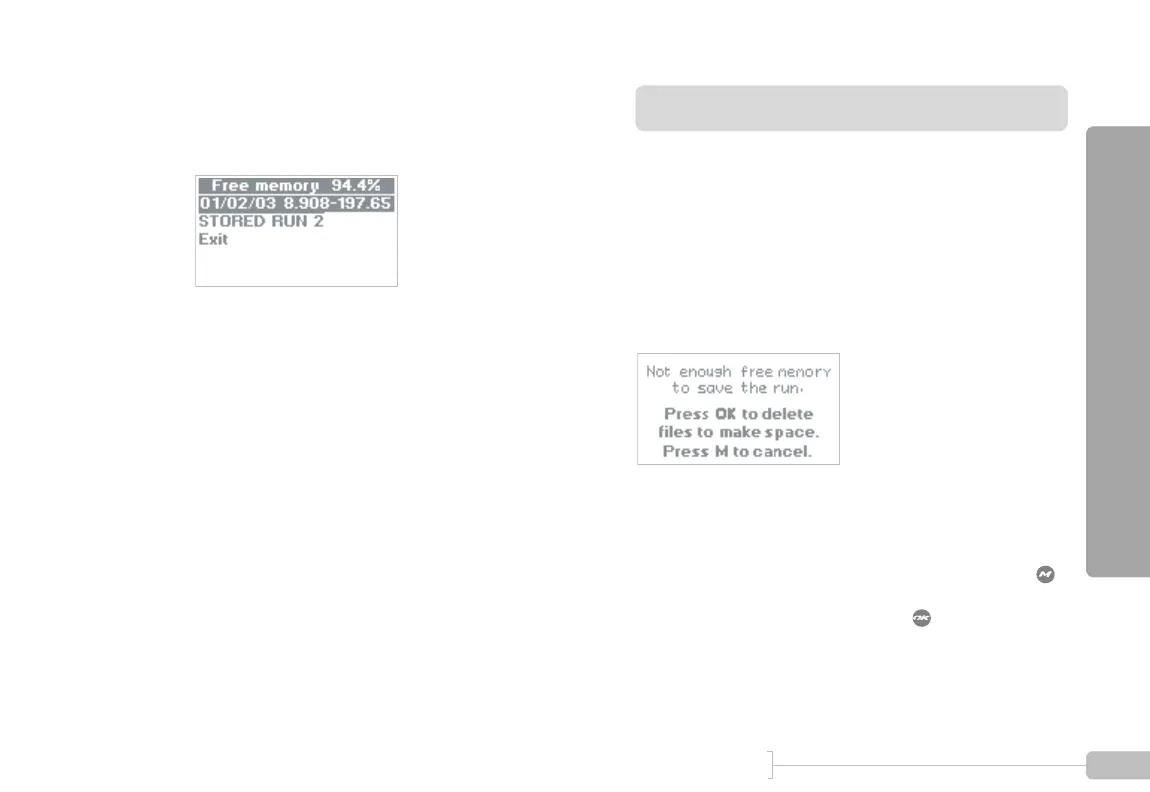
Should this occur, you will see a screen such as Figure 28.
Figure 28: Low on Memory Warning
At this point, you have two choices:
• If you decide you don’t want to save the run, press
• If you want to save the run, press to delete one or
more of your stored runs in order to make room
4
A screen such as this will appear (yours may look a
little different). The top line of the display shows
you how much free memory you have.



 To Next Page