96 G-TECH / Pro Competition User Guide, Release 3.1
Deleting a Stored Run
Once you have recalled a stored run from the G-tech
(page 66), you can choose to delete it from the G-tech’s
internal memory. This will free up memory so that you can
store other runs.
The procedure to delete a recalled run is as follows:
1
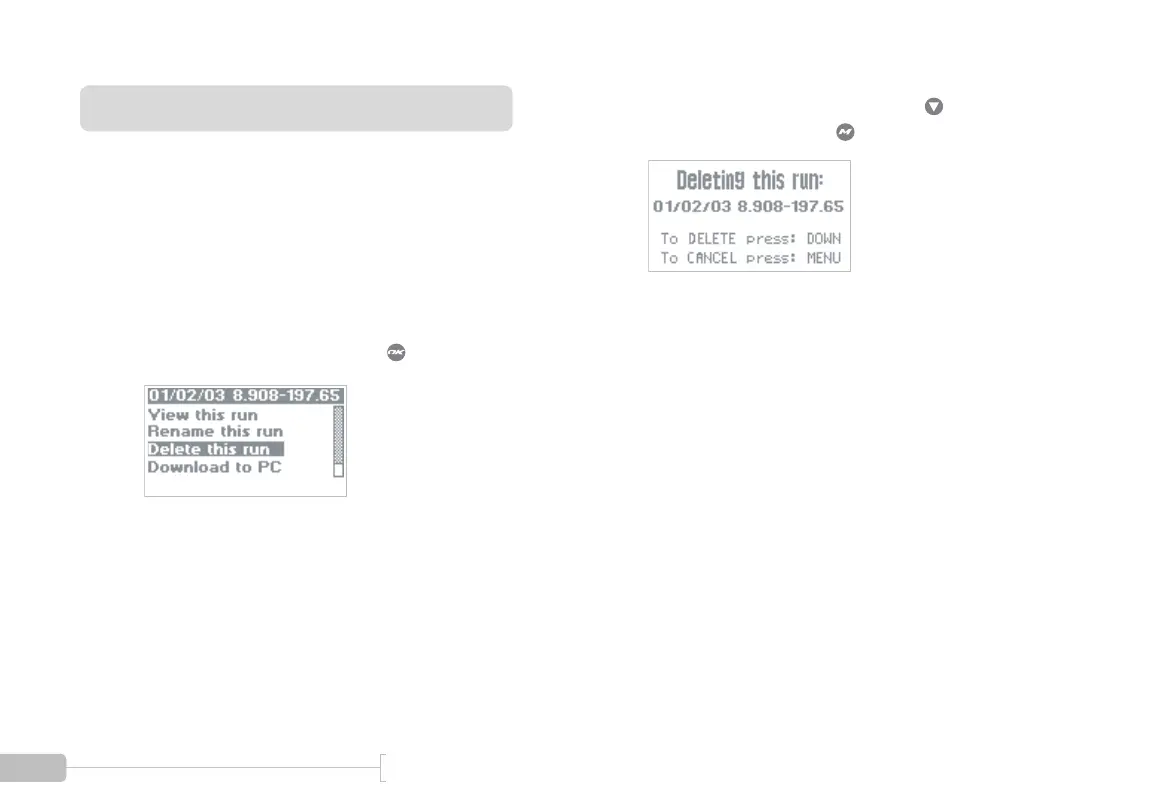
Select “Delete this run” and press .
2
The following screen will appear. Press if you
want to delete the run, or if not.



 To Next Page