14 G-TECH / Pro Competition User Guide, Release 3.1
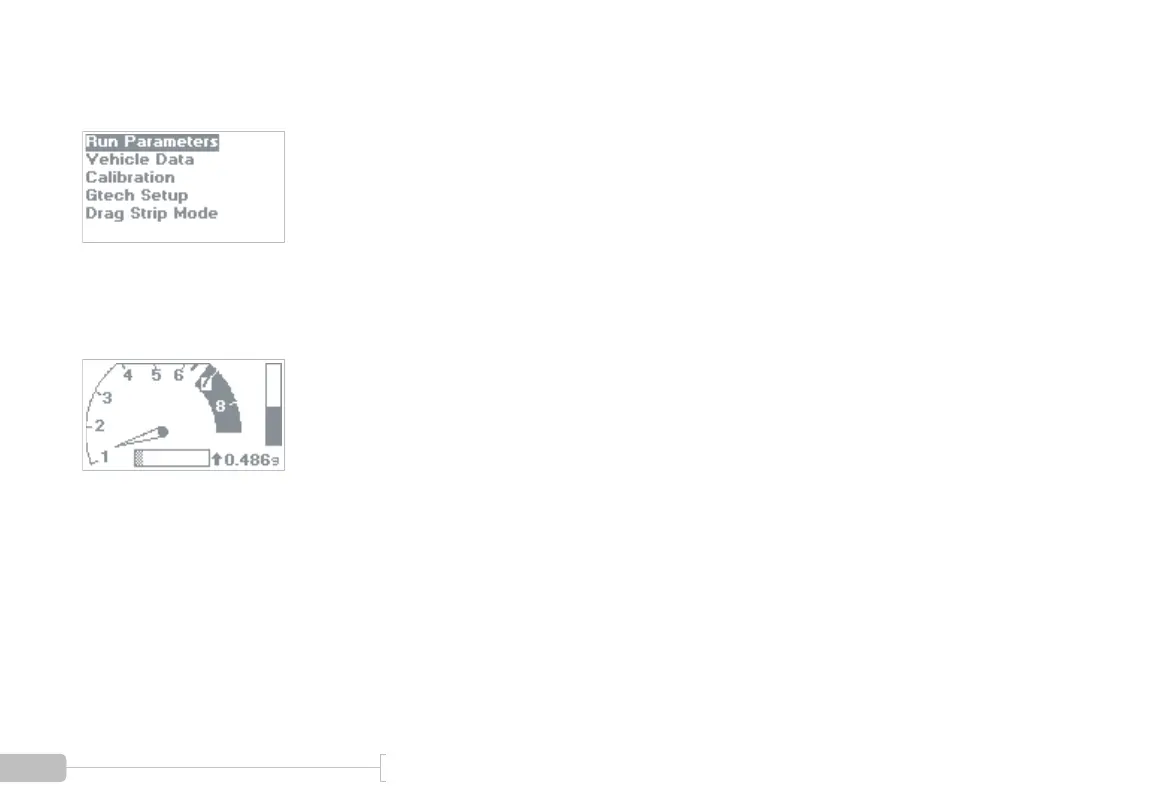
If you power on your G-tech and the display looks like Figure
5, your G-tech is in Configuration Mode.
Figure 5: Configuration Mode — Main Screen
If you power on your G-tech and the display looks like Figure
6, your G-tech is in Drag Strip Mode.
Figure 6: Drag Strip Mode — Main Screen
You can easily switch between the two modes, as shown in
Figure 7.



 To Next Page