98 G-TECH / Pro Competition User Guide, Release 3.1
Deleting ALL Stored Runs
At some point, you may wish to delete all of the stored runs
in your G-tech.
Note:
This is a drastic step that will cause you to lose all
information about the runs in your G-tech. Be sure this is what
you want to do before proceeding!
Use the following procedure to delete all the stored runs on
your G-tech.
1
Start in Drag Strip Mode.
2
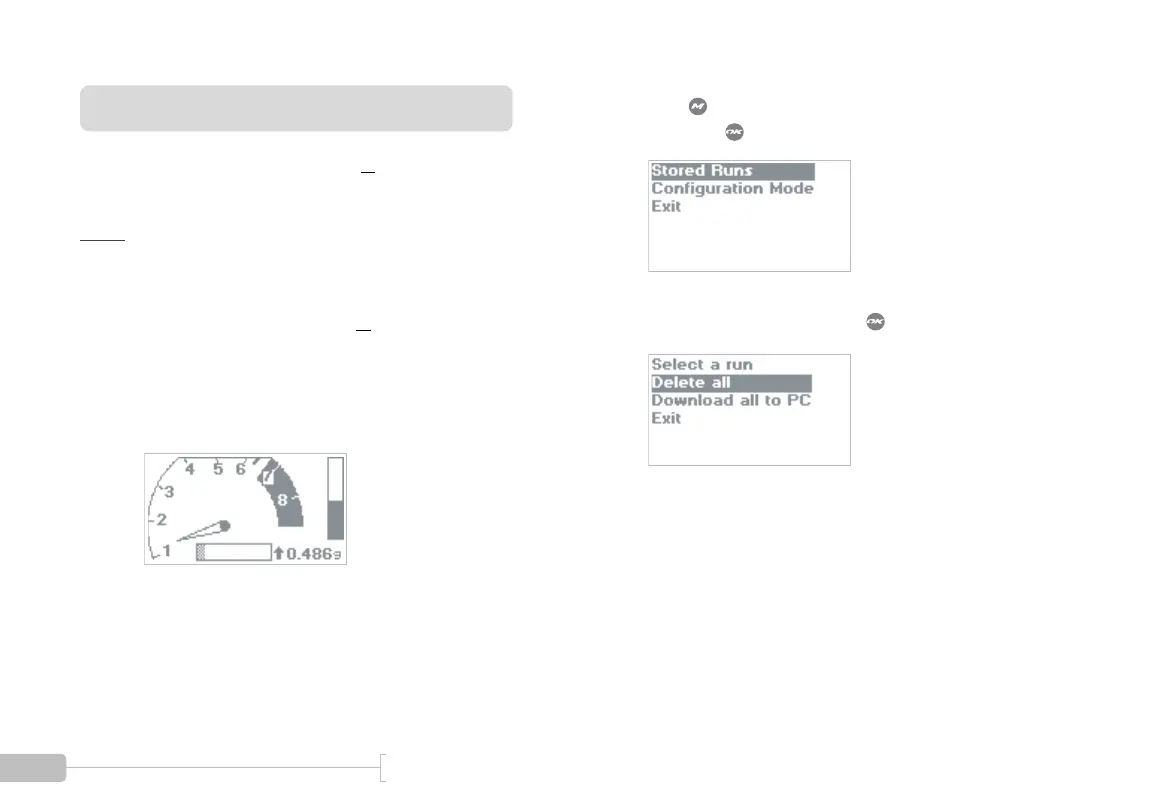
Press to bring up the Drag Strip Main Menu,
then press to select “Stored Runs”.
3
Choose “Delete all” and press .



 To Next Page