20 G-TECH / Pro Competition User Guide, Release 3.1
Setting Vehicle Redline
You should set the vehicle redline value in the G-tech before
using it.
This will allow the G-tech to display the graphical tachometer
(p. 47) so that it matches your vehicle’s own tachometer.
This step is essential for accurate RPM calibration (p. 25).
1
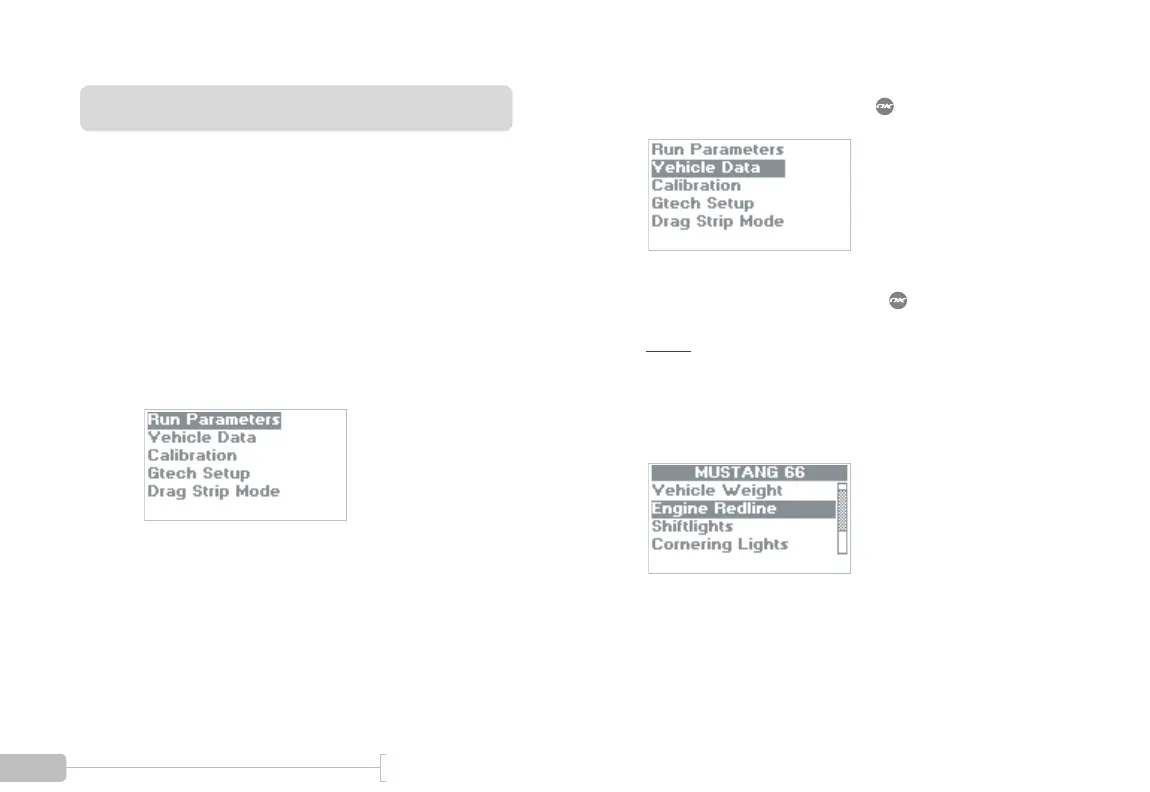
Start in Configuration Mode.
2
Select “Vehicle Data” and press .
3
Select “Engine Redline” and press .
Note:
You will see the text “MUSTANG 66” in
many places throughout this document. This is
because the G-tech can be used in multiple vehicles
and allows you to name each one (p. 122). On a new
G-tech, you will see the text “noname1” here.



 To Next Page