130 G-TECH / Pro Competition User Guide, Release 3.1
2
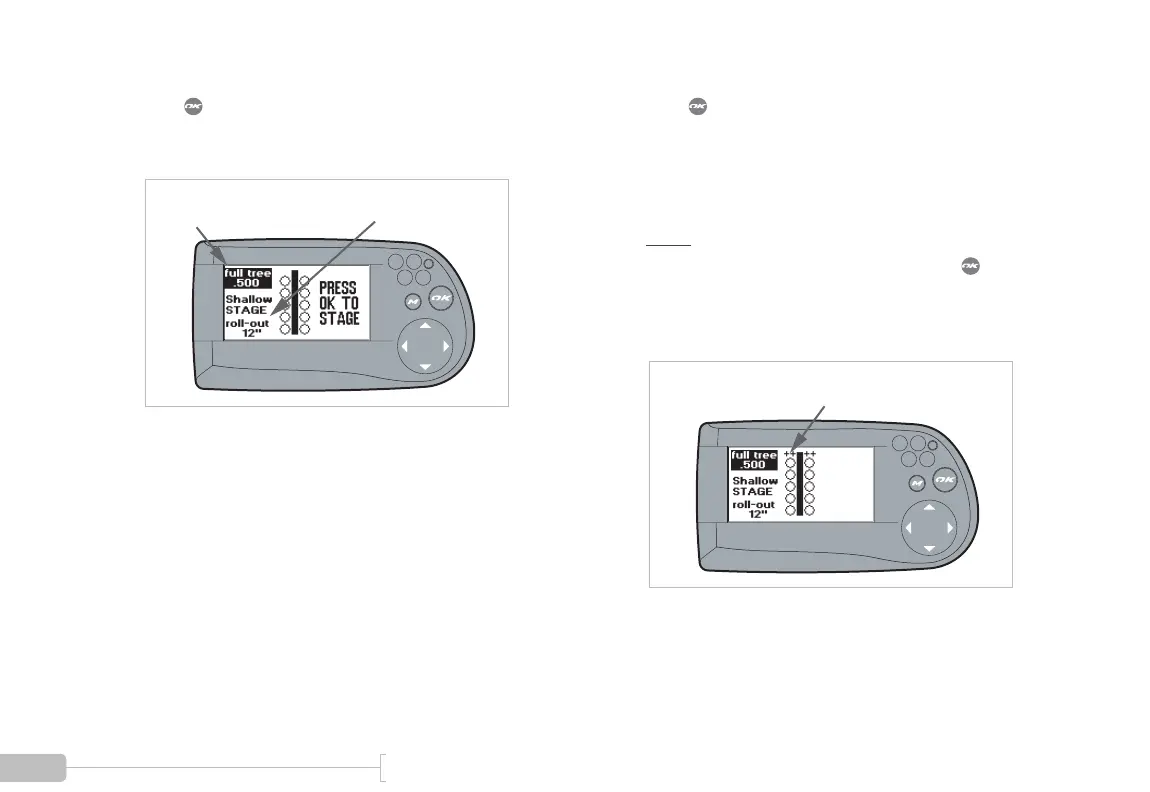
Press to stage the G-tech. You will see a screen
such as this. Your current settings for reaction tree
mode and rollout are displayed.
Mode = Full Tree,
0.5 second Interval
Rollout = 12 inches,
(Shallow Staging)
3
Press to activate the tree.
After a brief period, the simulated staging bulbs will
come on.
(On a real track, these lights would come on when
your vehicle is properly positioned).
Note:
If the staging bulbs never appear, the
accelerometers need to be re-calibrated. Press to
go back to the G-Window screen with the tachometer,
and refer to “Calibrating Accelerometers” on page 28
for details on this procedure.
Staging Bulbs On



 To Next Page