26 G-TECH / Pro Competition User Guide, Release 3.1
3
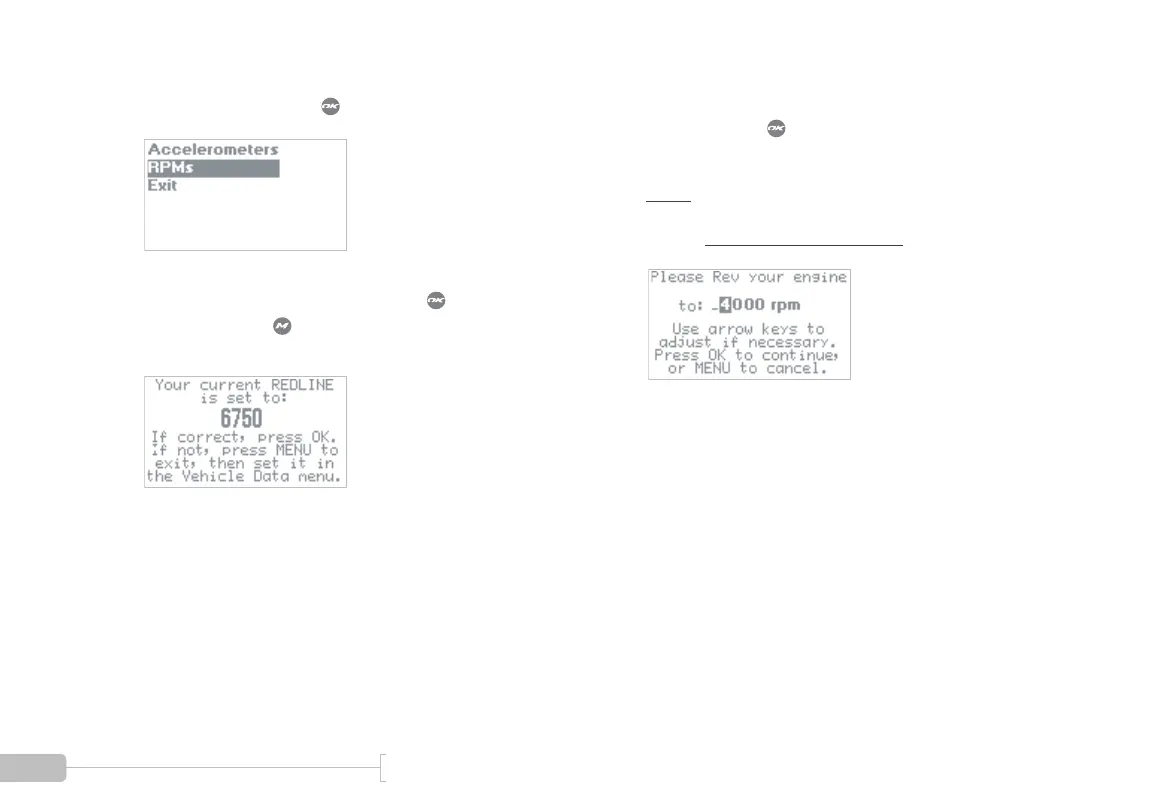
Select “RPMs” and press .
4
If the redline value is set properly, press to con-
tinue. If not, press to cancel, and then set the
redline in the G-tech (page 20).
5
High RPM calibration: Match vehicle RPMs to G-
tech. Then press when vehicle RPMs are steady
at the requested value.
Note: The RPM value shown here may be differ-
ent than the value your G-tech displays. During this
process, use the value on your G-tech!



 To Next Page