114 G-TECH / Pro Competition User Guide, Release 3.1
Please use the following procedure for enabling / disabling
the Cornering Lights.
6
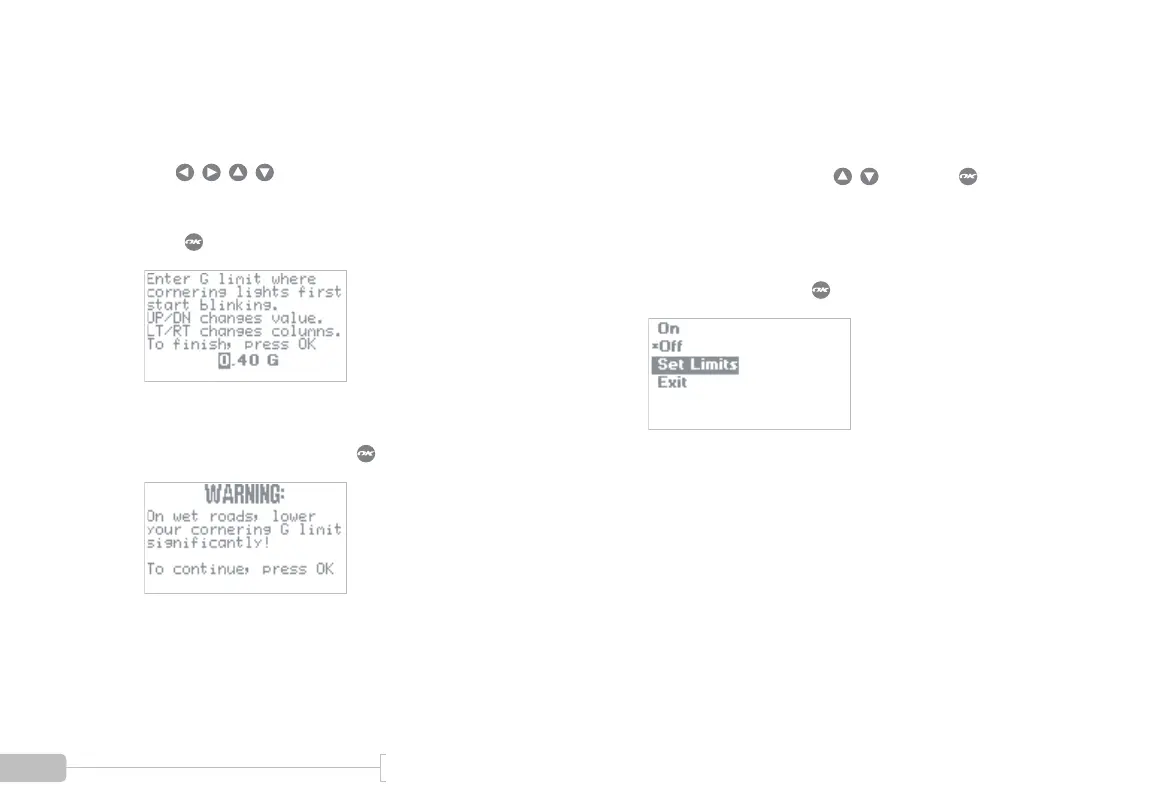
You will see the following screen.
This screen is where you set the Lower G Limit for
the Cornering Lights.
Use to change the value.
The value can range from 0.01G to just a little
below the Upper Limit you set in the previous step.
Press when done.
7
You will see the following warning screen.
Read the text, and then press when done.
1
Select On or Off by using and press to
make your selection.
An asterisk (*) indicates the current choice.
Select “Exit” and press when done.



 To Next Page