Analyzing Runs
67 G-TECH / Pro Competition User Guide, Release 3.1 67
5
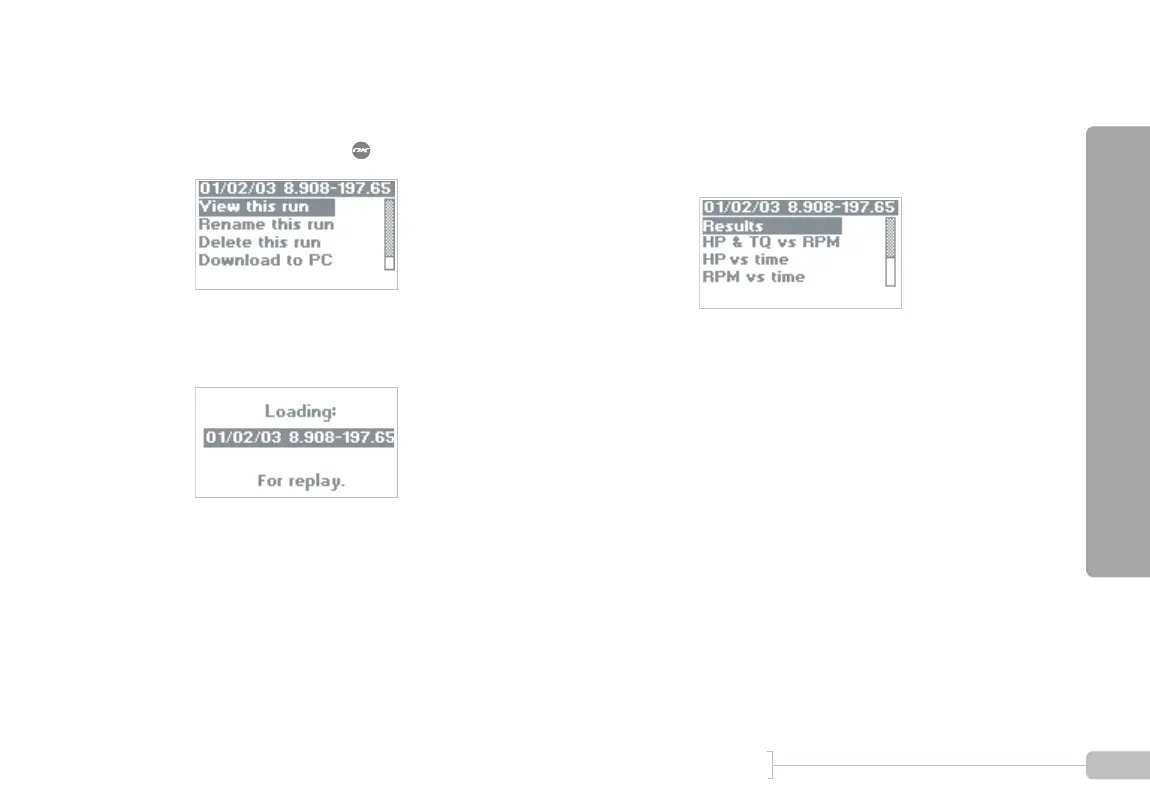
A menu such as this will appear. The name of the
run you selected is on the top line. Since “View this
run” is selected, press .
6
While the run is being loaded, the G-tech displays a
screen such as this.
7
Once the run has been loaded, the G-tech displays
the Run Viewing Menu as shown below. Notice
that the name of the run you selected is on the top
line.



 To Next Page