136 137
IIDTool
GAP Diagnostic 2019-07-15 All Rights Reserved
User Manual : Version 33, Firmware V3.0
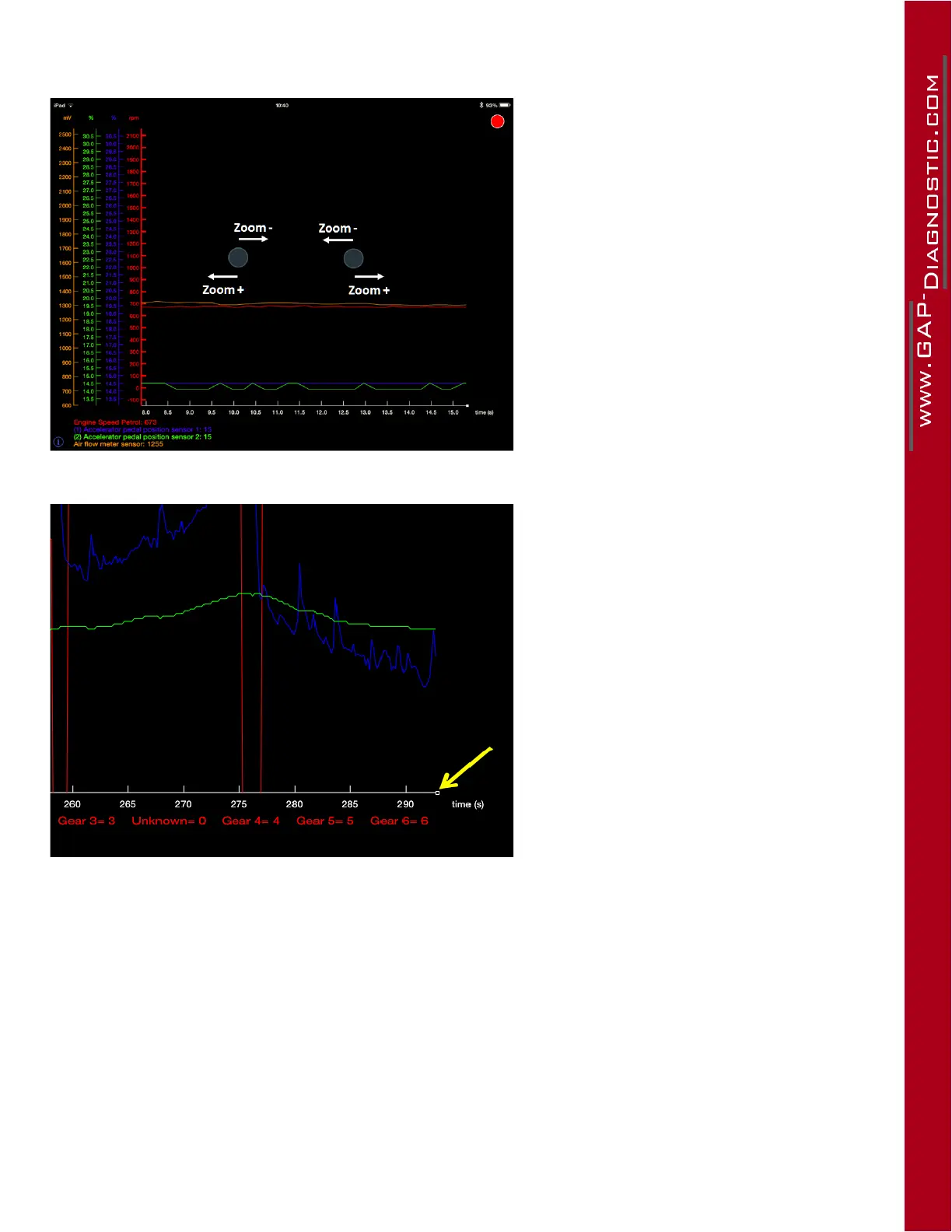
To zoom horizontally, press the screen
with 2 ngers and swipe horizontally in
opposite directions.
Figure 66. App : LV : Horizontal zooming
To return to the current time after zoo-
ming or panning horizontally on the X
axis, simply press on the white square on
the edge of the axis.
Figure 67. App : LV : Return to the current time
ThePanfunctionforbothaxisisdoneusingonlyonengerandslidingitinthedesireddirection.
To re-initialize the graph view, touch the screen twice at one of the following locations:
• On the currently selected Y axis to reinitialize this live value axis only.
• On the X axis to reinitialize the time axis only.
• In the middle of the graph screen to reinitialize all axis simultaneously.



 To Next Page