142
IIDTool
GAP Diagnostic 2019-07-15 All Rights Reserved
User Manual : Version 33, Firmware V3.0
Figure 77. App : LV : Start time
The record will contain all data for all values received X seconds
before the start trigger.
Figure 78. App : LV : Stop time
The record will contain all data for all values received X seconds after
the stop trigger.
Figure 79. App : LV : Target
Figure 80. App : LV : Trigger when increasing and exceeding the threshold.
Thissymbolindicatesthatthetriggerwillbeineectwhentheobservedlivevalueincreases
andcrossesthedenedtarget.Forexample,ifthetargetvalueissetat0,achangefrom
-1to0willfulllthecondition.Availableforanaloglivevalues.
Figure 81. App : LV : Trigger when decreasing and crossing the threshold.
Thissymbolindicatesthatthetriggerwillbeineectwhentheobservedlivevaluede-
creases and crosses the dened target. For example, if the target value is set at 0, a
changefrom1to0willfulllthecondition.Availableforanaloglivevalues.
Figure 82. App : LV : Trigger when the value and target are equal.
Thissymbolindicatesthatthetriggerwillbeineectwhentheobservedlivevaluechanges
andbecomesthedenedthresholdpoint.Forexample,ifthethresholdvalueissetat0,a
changefrom-1to0(or1to0)willfulllthecondition.Availableforstatelivevalues.
Figure 83. App : LV : Trigger when the value and target are not equal.
Thissymbolindicatesthatthetriggerwillbeineectwhentheobservedlivevaluechanges
from being equal to the target value to not equal. For example, if the threshold value is set
at1,achangefrom1to0willfulllthecondition.Availableforstatelivevalues.
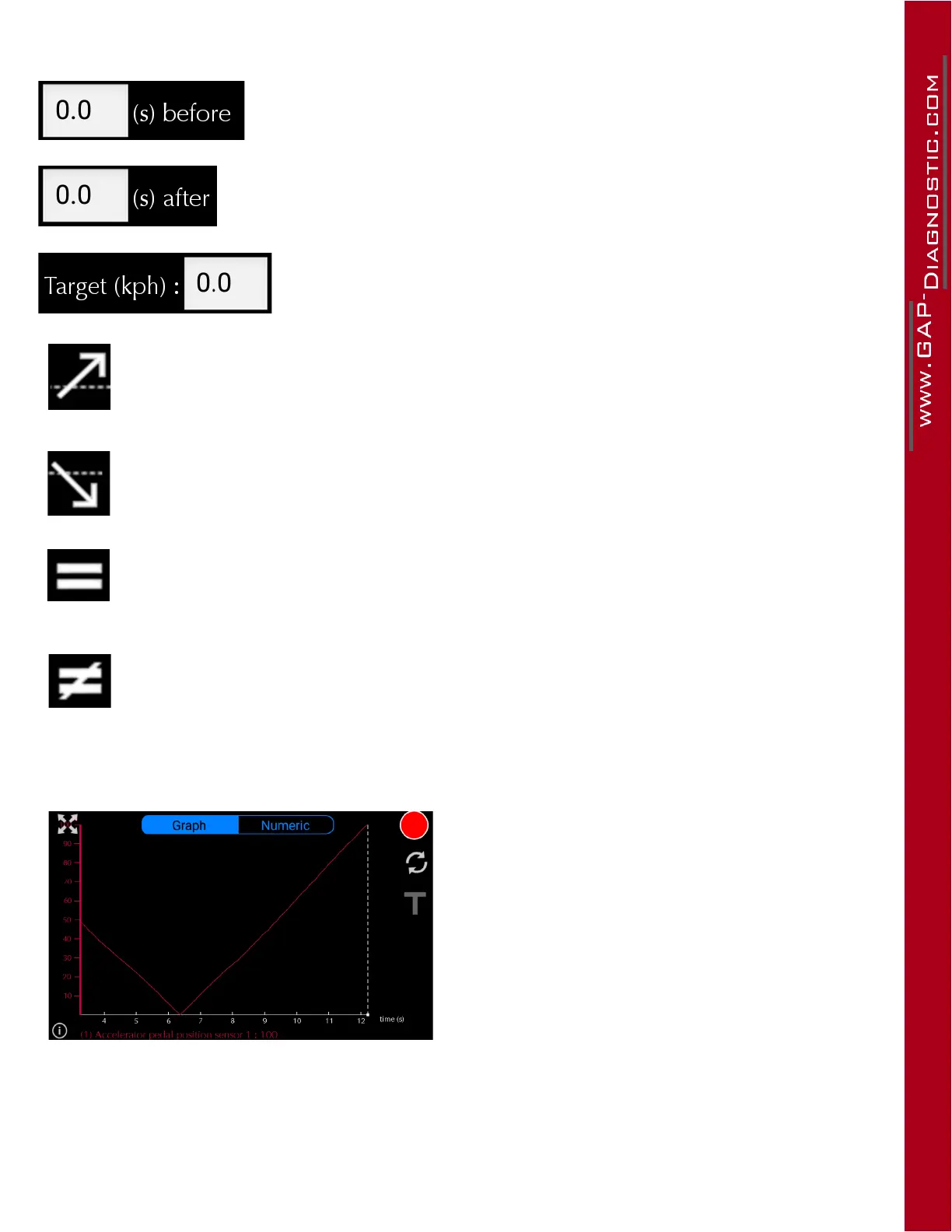
Trigger enabling
Click on the T symbol to enable or disable the trig-
gers. Once a recording as begun automatically, it
can be stopped like a regular recording by clicking
on the stop button.
Figure 84. App : LV : Trigger enabling



 To Next Page