GETTING INTO PROGRAMMING MODE
When the Main Panel is powered up it will be necessary to enter the panel programming mode. Familiarize yourself with
this section before proceeding to the next section in the manual and powering up the panel.
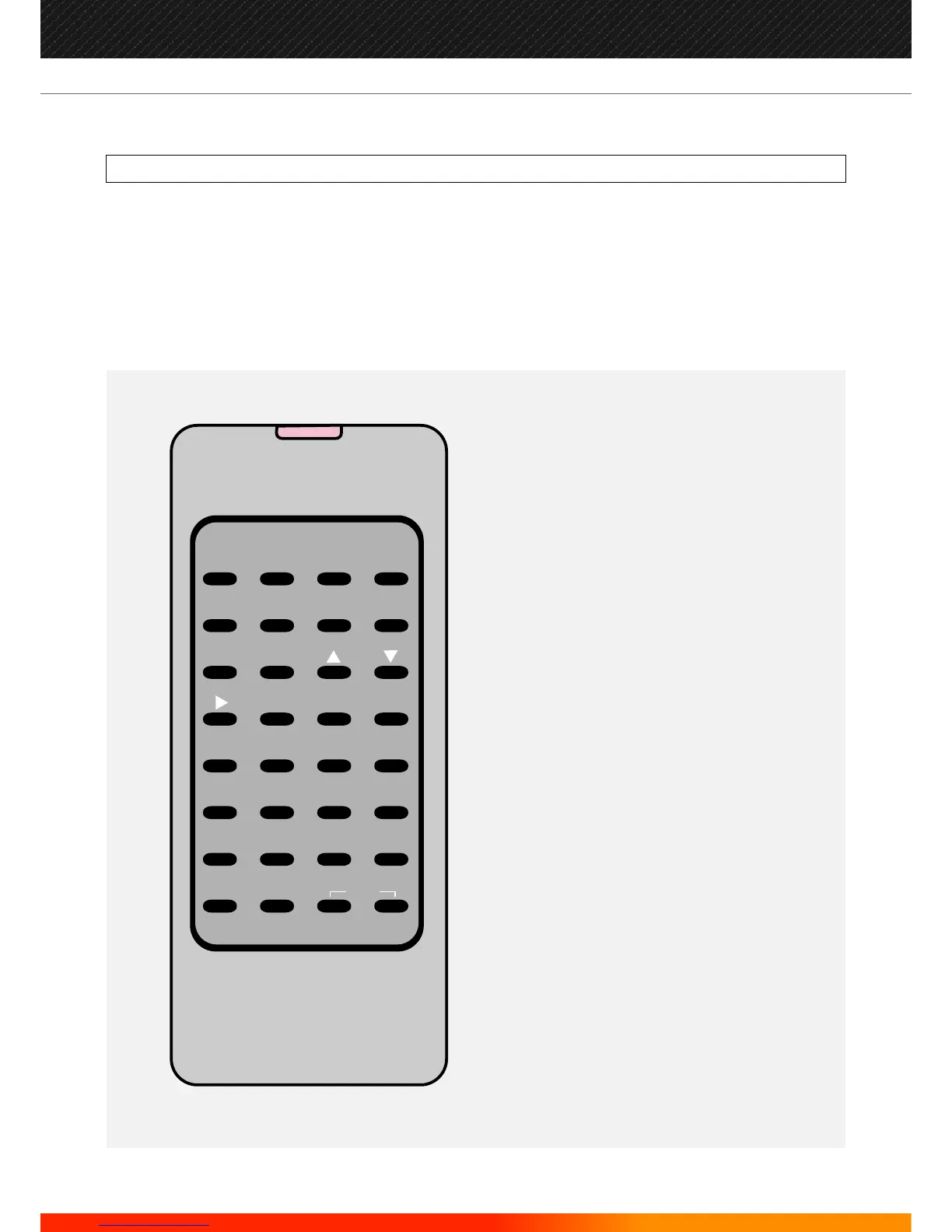
Programming mode is accessed via the panel's keypad (see p.50), the miniature infra-red remote control (IR Keypad) or
by connecting a PC (PS2) keyboard to the Main Panel. It is also possible to upload and download settings to a PC but to do
this you must first enter the panel programming mode. The main panel's keypad (7 switches) will permit the user to
perform all operations for both control and programming but, not for entering text.
INFRA-RED KEYPAD
0
A
4
E
8
I
1
B
5
F
9
J
2
C
6
G
K
3
D
7
H
L
M N
/
[ ]
.
,
'
"
+
-
:
*
&
O
P
Q
R
S
T
U V W X
Y
HOME SHIFT
ENTER
B-SP
Z
SPACE
ESC
EXIT
HOME: Return to first loop, zone, device etc
B-SP: Backspace
SHIFT: Toggle this keypad to switch from
alpha-numeric to numeric
ENTER: Accept current selection
ESC.: Reject. (ESCape from current selection)
EXIT: Press both keys simultaneously to stop
programming
57
Manufacturers of Fire Detection Equipment
INSTALLATION & COMMISSIONING MANUAL REVISION 4.0 05/2013
JUNO NET - NETWORKABLE ADRESSABLE PANEL
globalfire.pt


 To Next Page