WR1000-UM-251–01–9380 3 – 41
3. DISASSEMBLY AND REASSEMBLY
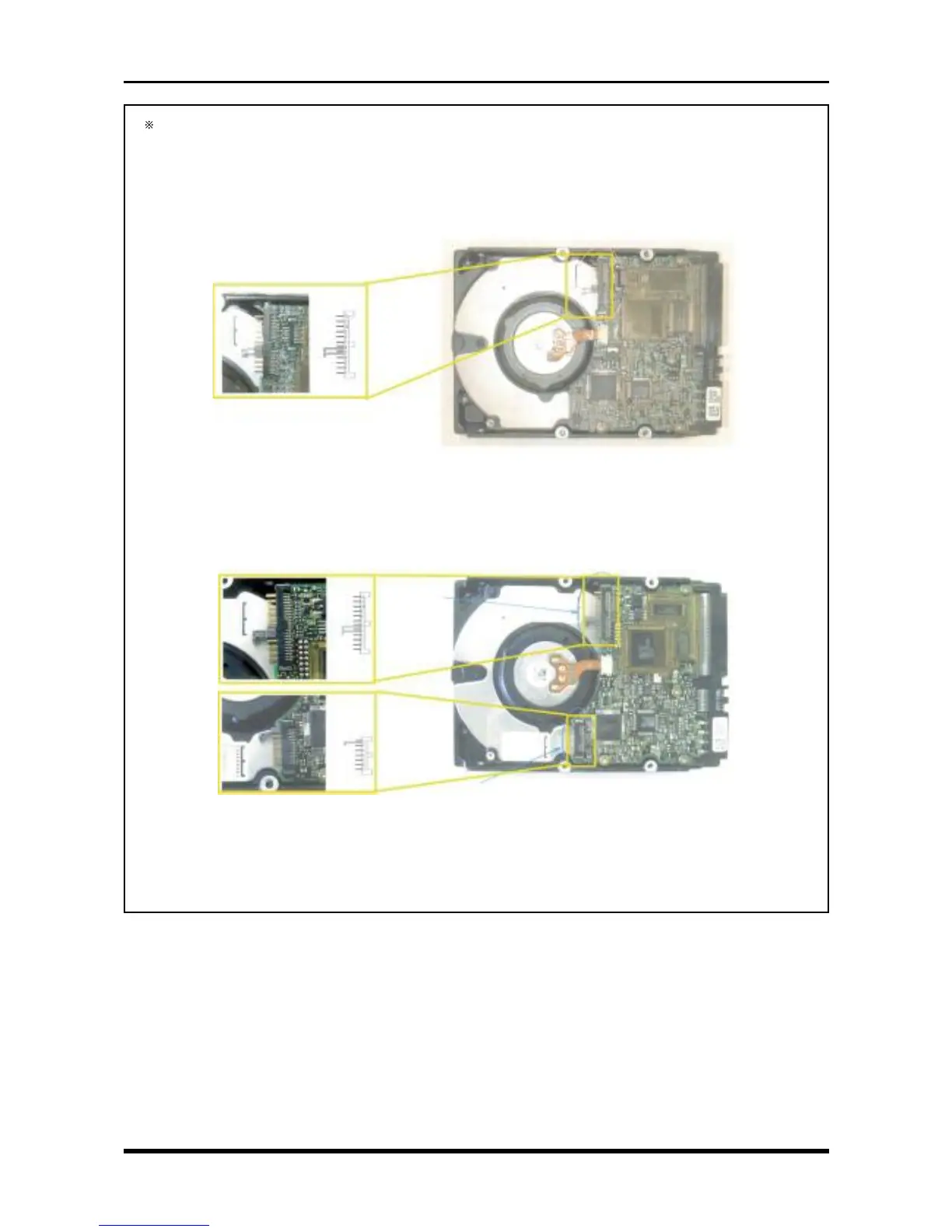
Before mounting the replacement HDD, confirm that the short pins are correctly positioned.
(Because production of the DDRS39130-F20W68 has been discontinued, the HDD’s part no. has
been changed to DENS-309170W-F20 in accordance with the Design Modification No. 0620-C-
9908402.)
a. DDRS39130-F20W68
Attach the short plug only to Pins 5 and 6. (Pins 2, 3, 5, and 6 come shorted when shipped
from the manufacturer.)
Fig. 3-9-8
b. DENS-390170W-F20
(a) Attach the short plug only to Pins 5 and 6. (Pins 2, 3, 5, and 6 come shorted
when shipped from the manufacturer.)
(b) Attach the short plug only to Pin G (Pin G comes shorted when shipped from
the manufacturer.)
Fig. 3-9-9



 To Next Page