WR1000-UM-251–01–9380 6 – 15
6. INSPECTION AND CHECK PROCEDURES
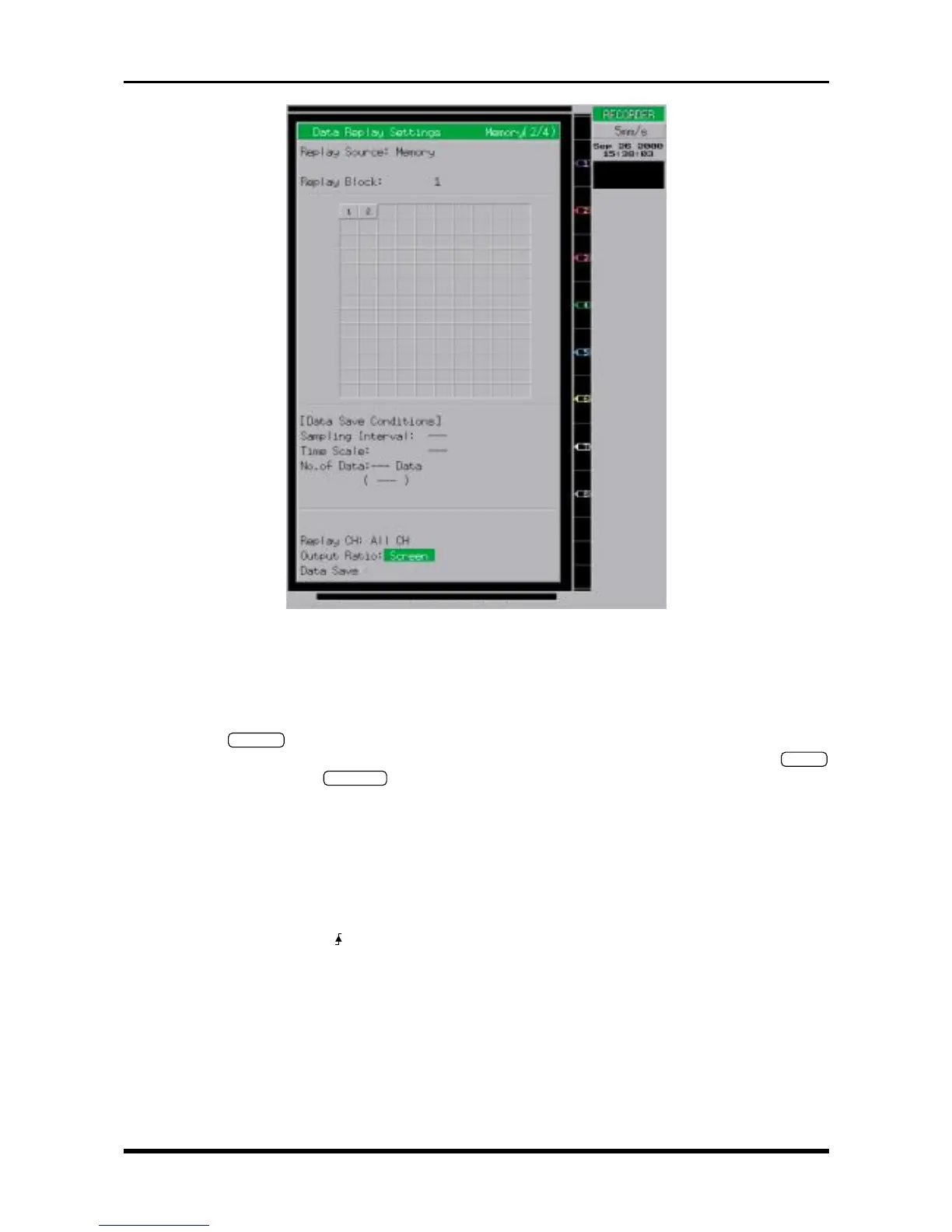
Fig. 6-2-18. Data Replay Settings window
Replay Source Memory
Replay Block 1 or 2 (see Steps (1) and (7) under “Measurement”)
Replay CH All CH
Output Ratio Screen
(3) Press the
TRIGGER
key on the Conditions panel to display the Trigger Settings window shown in the
figure. Use the arrow keys to move the cursor to the desired parameter, then use the arrow keys,
ENTER
key, jog/shuttle dial, and
EXECUTE
key to enter the following settings.
Time Gate Disable
Function Memory
Action Single
[Start Condition]
Source Internal
Type Normal
Combination Level OR
Mode /H
Lower-Level-Upper +50%
Trigger Counter Count 1 [count]
Pre-trigger 50 [%]
[Stop Condition]
Source Off



 To Next Page