WR1000-UM-251–01–9380 6 – 33
6. INSPECTION AND CHECK PROCEDURES
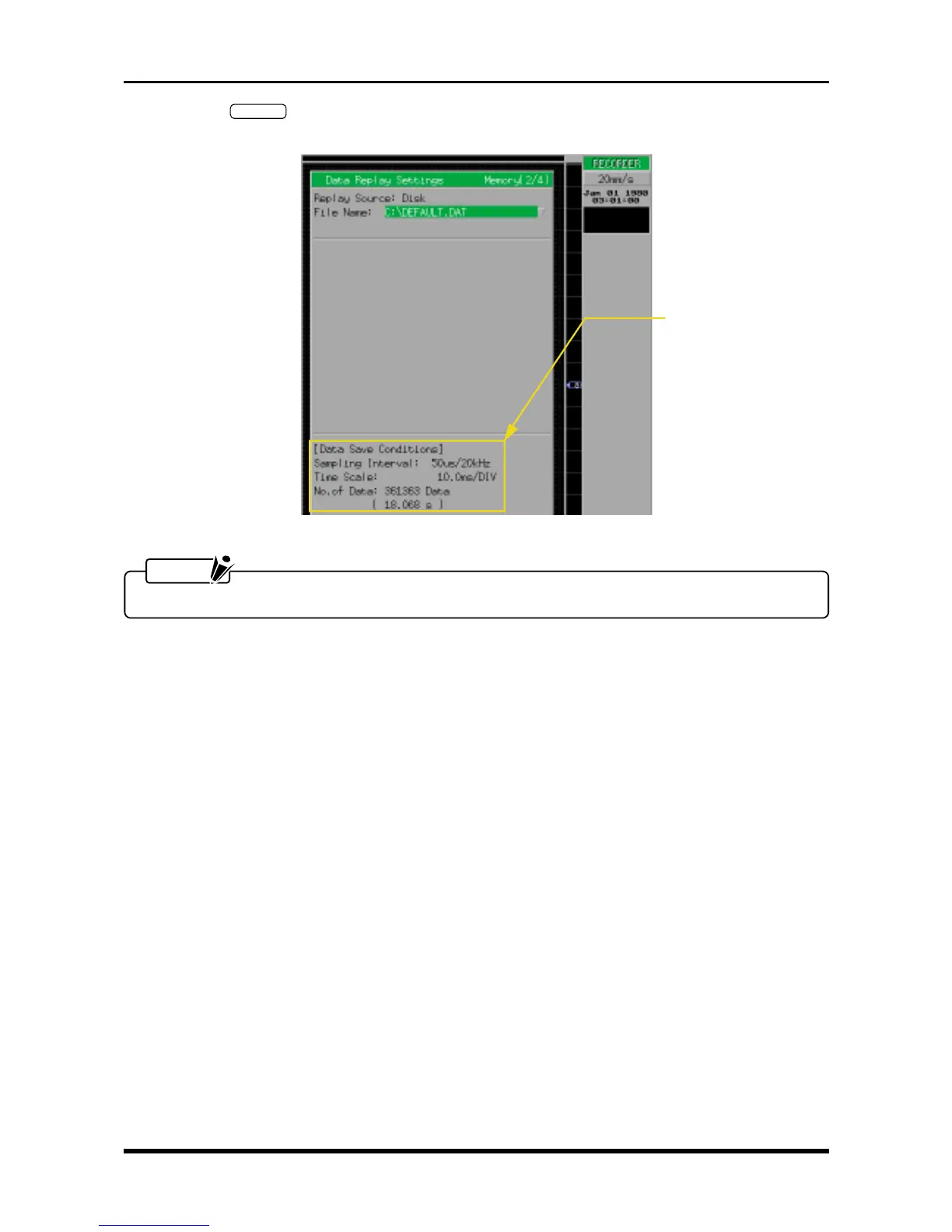
(6) When the
EXECUTE
key is pressed to register the settings you specified in Step (5), the menu below
appears so check that the data is being properly captured to memory.
Fig. 6-3-12
NOTE
Step (7) is not required when testing an internal MODD.
(7) To delete the test data, either perform the Reconfigure HDD (FDISK) operation to reformat the internal
HDD or perform the File Delete operation to delete the file containing the test data.
Check that the data is
being properly captured



 To Next Page