WR1000-UM-251–01–9380 6 – 37
6. INSPECTION AND CHECK PROCEDURES
(3) Use an oscillator to input sine waves at a frequency of about 5 Hz to each amp’s input terminals.
(4) Press the
START
key to initiate measurement.
The measured data starts being written to disk when the trigger is activated, so continue measurement
for about 10 seconds (about 20 seconds if writing to an MO disk) and then press the
STOP
key to stop
measurement.
(5) Press the
MEMORY
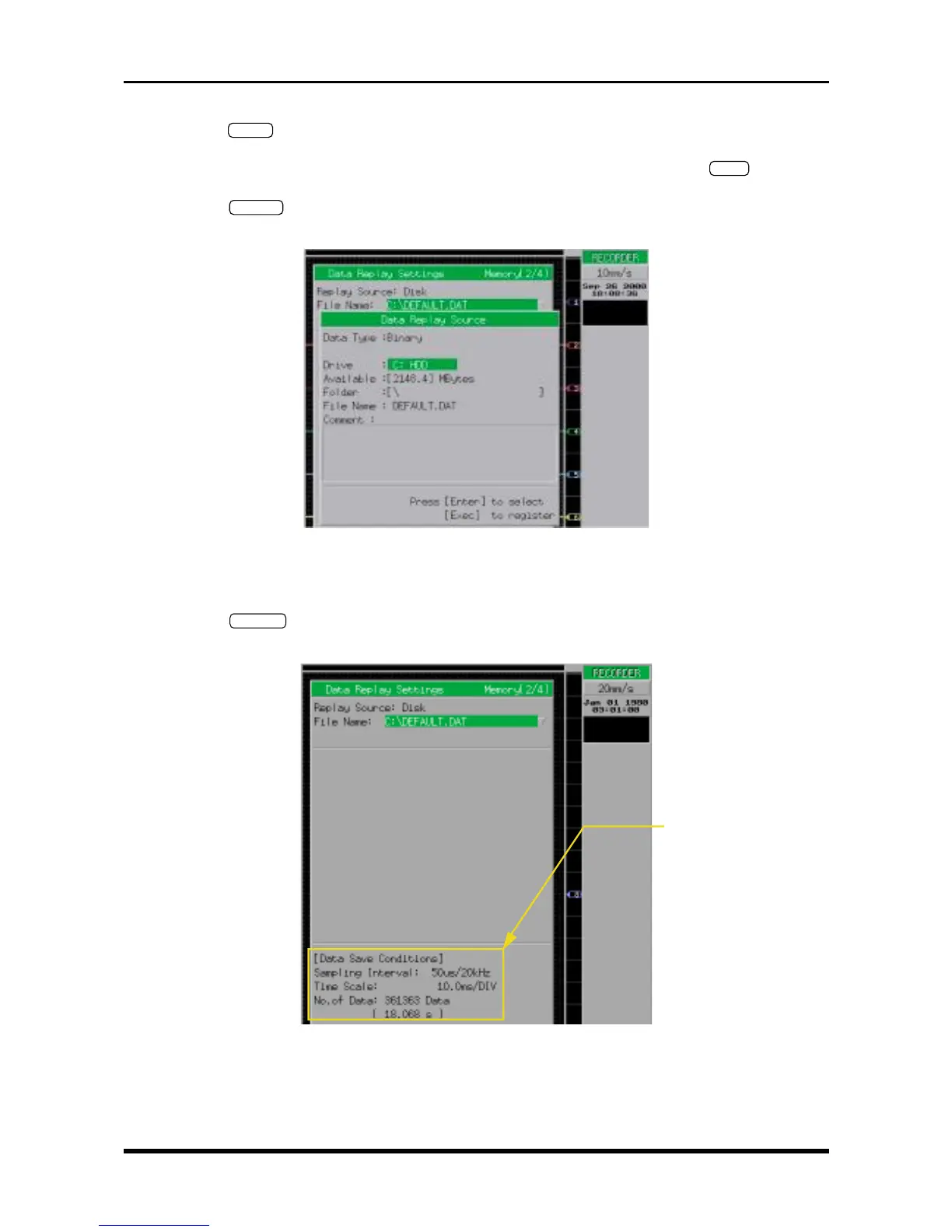
key twice to open the Data Replay Settings window, then set its parameters as
follows.
Fig. 6-3-18. Data Replay Settings window
Replay Source Disk
File Name Specify the location and filename where the data was saved in Step (2)
(6) When the
EXECUTE
key is pressed to register the settings you specified in Step (5), the menu below
appears so check that the data is being properly captured to memory.
Fig. 6-3-19
Check that the data is being
properly captured



 To Next Page