WR1000-UM-251–01–9380 6 – 36
6. INSPECTION AND CHECK PROCEDURES
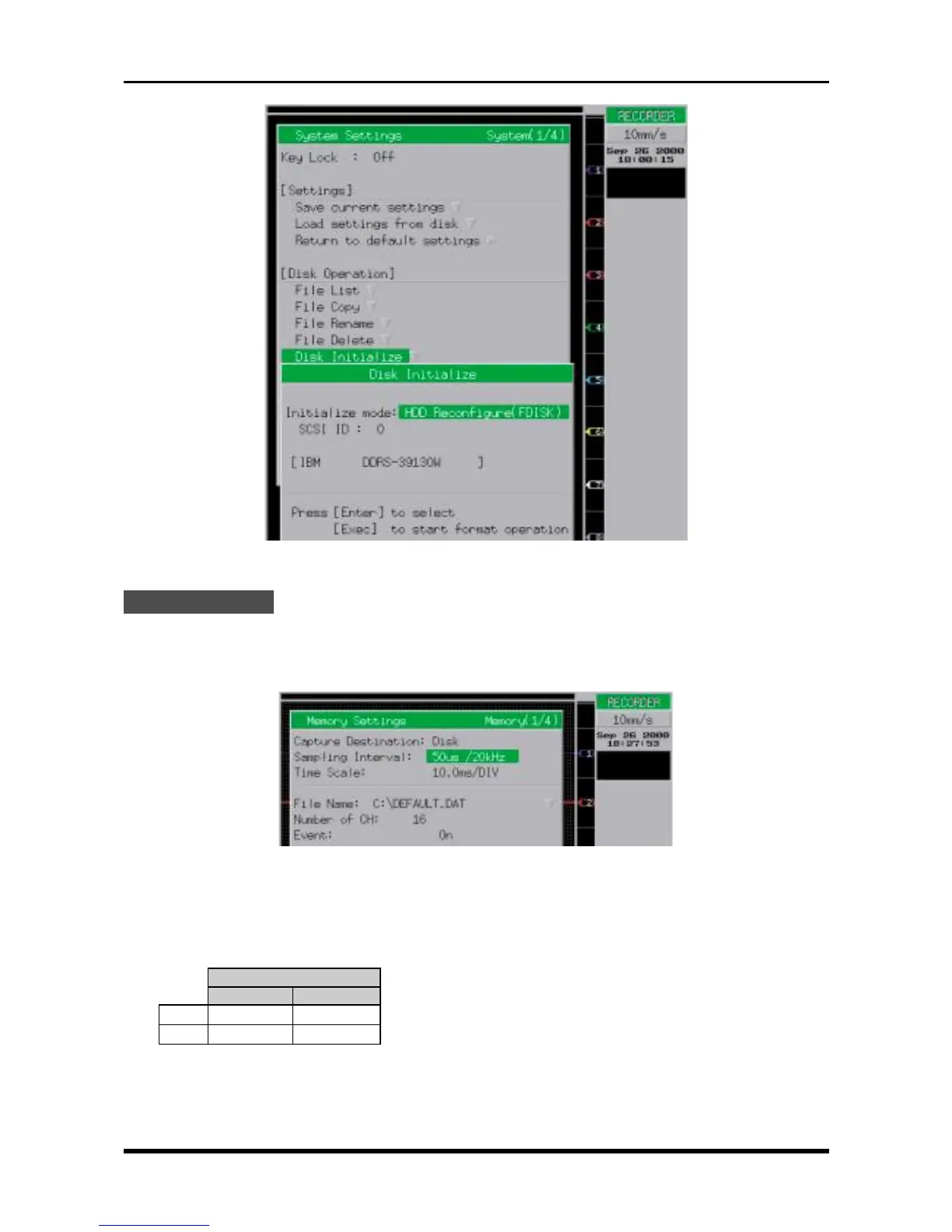
Fig. 6-3-16. System Settings window
Check Procedure
(1) Specify the parameters in the Trigger Settings window to the same settings listed in Step (3) of Subsec-
tion 6.2.7, “Memory Trigger Operation.”
(2) Press the MEMORY key to open the Memory Settings window, then change its settings as follows.
Fig. 6-3-17. Memory Settings window
Capture Destination Disk
Sampling Interval See Table 6-3-8
Table 6-3-8
Sampling Interval
HDD MODD
8ch 20µs/50kHz 500 µs/2kHz
16ch 50µs/20kHz 1ms/1kHz
File Name C:\DEFAULT.DAT (any suitable filename)
Number of CH 8 or 16
Event On



 To Next Page