GigE Area Scan Camera User Manual
28
It selects the signal source of counter trigger.
Line 0 or Line 2 is available. This parameter is
disabled by default.
It selects the signal source of resetting
counter. Software is available only. This
parameter is disabled by default.
Write is
available under
certain
condition
It resets counter and it can be executed only
when selecting Software as Counter Reset
Source.
It is the counter value with the range of 1 to
1023.
It displays the number of executed external
trigger.
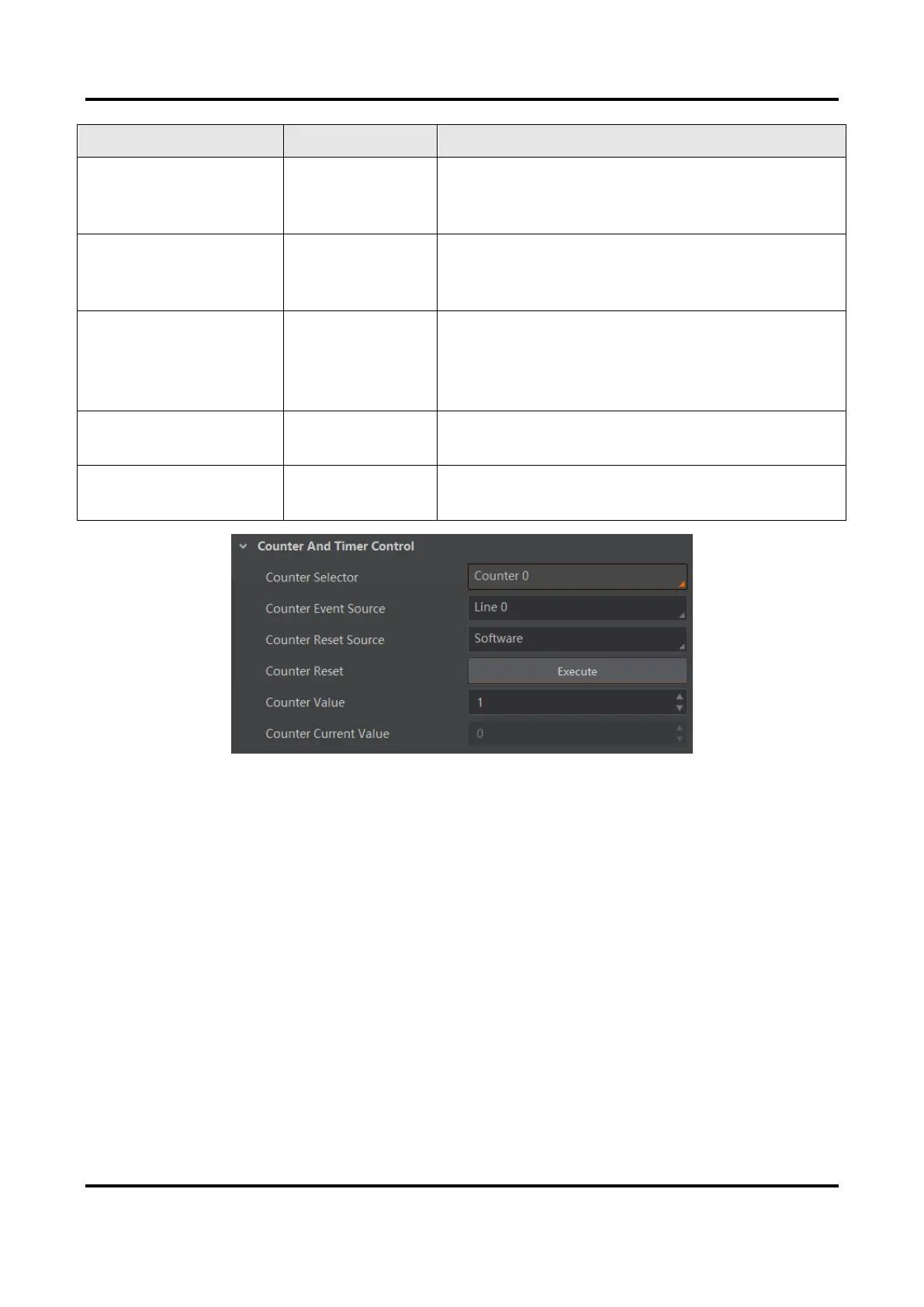
Figure 8-12 Counter and Timer Control
Set and Execute Action Command Trigger
When you need to use the function of action commands, you should set action command
trigger first. The action command sends trigger signal to the device to acquire images.
Steps
1. Go to Acquisition Control → Trigger Mode, and select On as Trigger Mode.
2. Select Action 1 as Trigger Source.



 To Next Page